

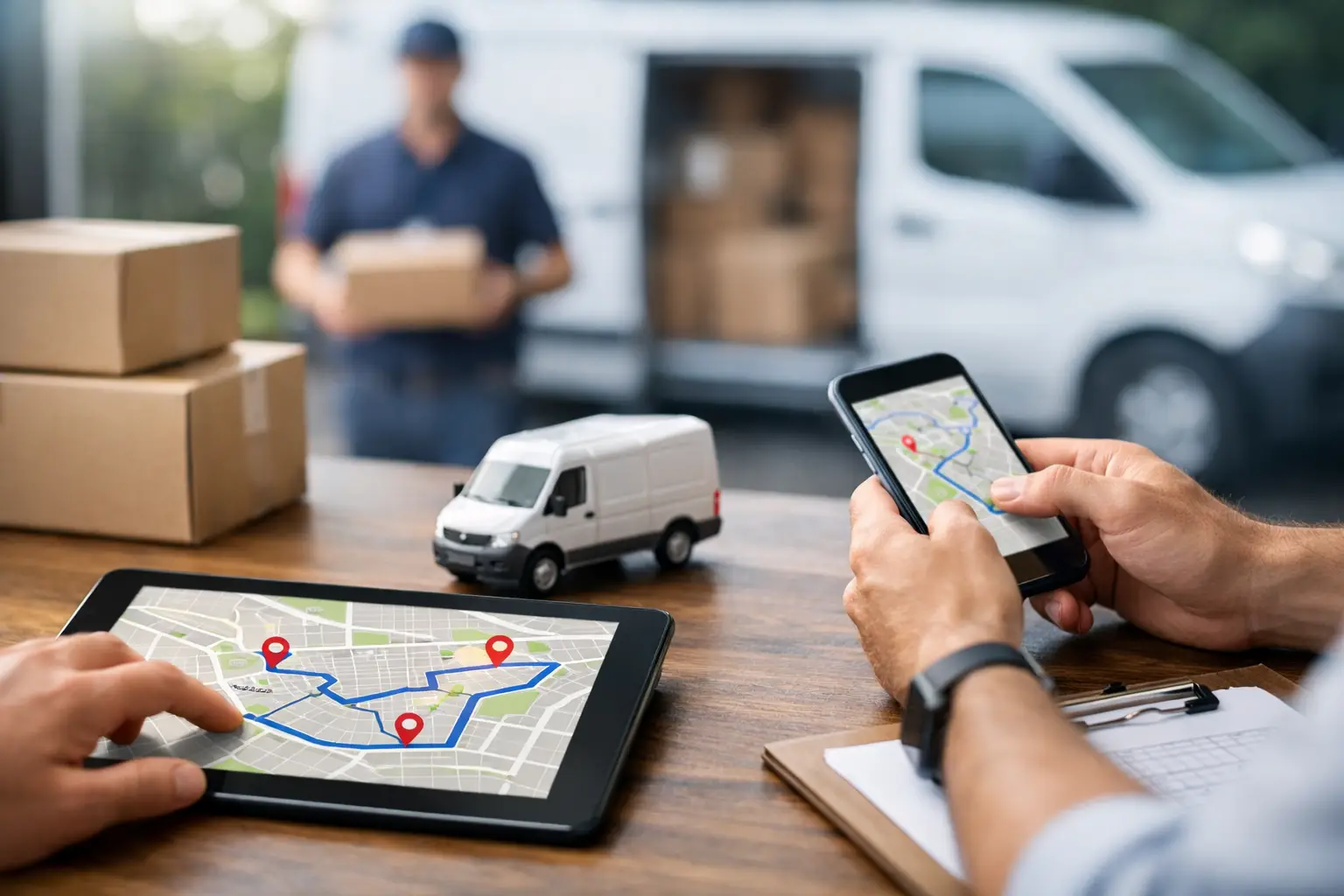
Delivery Route Planning Guide for Faster Days
RoadWarrior Team
A 25-stop day can be profitable or punishing before you ever turn the key. The difference often comes down to stop order, accurate addresses, customer time windows, and whether you have a plan for traffic before it costs you an hour. This delivery route planning guide shows working drivers and route-based teams how to build routes that cut wasted miles, protect service time, and help you get home earlier.
Start With the Work You Actually Need to Complete
Route planning is not simply putting addresses in order from north to south. A route has to reflect the work on the ground: package priority, appointment times, vehicle capacity, loading order, customer access instructions, and the reality that traffic changes throughout the day.
Start by gathering every stop in one place before building the route. Check street addresses for missing apartment numbers, incorrect ZIP codes, or duplicate entries. A bad address can create a detour, but it can also throw off a tightly scheduled day when the next customer has a delivery window.
Then add the information that affects stop order. A medical delivery with a 10:00 a.m. deadline should not be treated like a flexible residential drop-off. A service technician may need extra time at a job. A florist or food delivery operator may have products that cannot sit in a hot vehicle for hours. The best route is not always the one with the fewest miles. It is the one that meets the day’s commitments with the least unnecessary driving.
For teams, this is also the point to decide who owns each route. Splitting a service area by intuition can leave one driver overloaded while another finishes early. Look at stop count, drive time, service time, vehicle type, and skills required, not just geography.
Build the Route Around Real Constraints
A good multi-stop route planner should account for more than distance. If you optimize only for the shortest line between stops, you may send a driver toward a school zone at pickup time, across a bridge with recurring congestion, or to a business before its receiving desk opens.
Set your start and end points
Your start point might be a warehouse, office, home, or the driver’s current location. Your end point matters too. Some drivers need to return to the depot for paperwork, equipment, or a final pickup. Others need the route to finish near home or the next day’s territory. Setting both points prevents a route from looking efficient on screen but ending 30 miles from where it needs to.
Use time windows and priorities carefully
Time windows should lead the plan when they are truly fixed. Place hard appointments first, then optimize flexible stops around them. If every stop is marked urgent, the route optimizer has no useful distinction to work with.
Priorities need the same discipline. A signature-required package, a high-value customer, or a perishable order may deserve priority. Routine stops that can be completed any time that afternoon should remain flexible. That gives the route room to respond when traffic, parking, or a customer delay changes the day.
Plan for vehicle and job requirements
A cargo van, box truck, passenger vehicle, and technician’s service truck do not operate under the same limits. Consider height restrictions, weight, toll preferences, refrigerated cargo, required tools, and room for returns. If the vehicle is loaded in delivery order, the route should support that loading plan rather than force the driver to dig through the cargo area at every stop.
Use Optimization, Then Review the Result
Route optimization does the math that manual planning cannot do quickly across dozens or hundreds of stops. It compares possible stop sequences and creates an order that can reduce drive time and mileage while considering your settings.
But optimization is a starting point, not a substitute for field knowledge. Review the route before dispatching it. A driver who knows a downtown area may recognize that a suggested stop has no legal parking during business hours. A local delivery manager may know a gated community has a slow entrance or that a customer only accepts deliveries at the rear dock.
This is where general-purpose navigation tools often fall short. They can navigate from one address to the next, but manually sequencing 30, 60, or 150 stops is slow and easy to get wrong. A dedicated route planner can organize the entire day, then provide turn-by-turn navigation to the next stop as the route progresses.
RoadWarrior helps drivers optimize up to 500 stops, account for route constraints, and adjust plans quickly when the day refuses to follow the original schedule. That means less time rearranging pins and more time completing paid work.
Keep the Route Flexible After You Leave the Depot
The route is a working plan, not a document you create at 7:00 a.m. and ignore until sunset. A customer may cancel. A package may not be on the truck. A road closure, weather event, failed delivery, or urgent pickup may force a change.
When a stop drops off the route, re-optimize the remaining work instead of guessing where to go next. The nearest stop is not always the smartest stop, especially when it pulls you away from a later appointment. If a priority job comes in, add it with the right time window and let the route recalculate around the rest of the schedule.
Drivers should also record exceptions immediately. Note a closed business, no-access location, damaged package, customer refusal, or proof of delivery while the details are fresh. Waiting until the end of the day creates avoidable disputes and makes it harder for dispatchers to respond to customers.
Improve Dispatch-to-Driver Communication
For a one-person operation, route planning is personal productivity. For a delivery team, it is also a coordination problem. Dispatchers need to assign work without sending outdated spreadsheets, drivers need clear stop details, and everyone needs a shared view of what has been completed.
Before drivers depart, confirm that each route includes the correct stops, contact details, service instructions, and delivery windows. During the day, avoid calling drivers for updates that the system should already show. Status visibility helps dispatch answer customer questions, move work between drivers, and spot a route that is falling behind before it becomes a missed-service problem.
There is a trade-off here. Constant route changes can improve the math but frustrate drivers and confuse customers. Use reassignment when it solves a real operational issue, such as a breakdown, an urgent order, or a driver with substantially more capacity. Otherwise, give drivers enough stability to execute confidently.
Measure What the Route Changed
A route plan should earn its place in your operation. Track the outcomes that affect your time, cost, and customer experience: miles driven, drive time, stops completed, on-time arrivals, failed deliveries, overtime, and fuel spend.
Compare performance over several weeks, not just one unusually easy or difficult day. A shorter route may take longer if it runs through dense urban traffic and requires difficult parking. A route with more miles may generate better profit if it completes higher-value service calls on time. The right measurement depends on your business model.
For individual drivers, start with two numbers: miles per completed stop and time spent planning each day. For fleet managers, add on-time rate, work balanced across drivers, and the number of manual dispatcher interventions. These metrics reveal whether your planning process is reducing friction or simply moving it somewhere else.
A Better Route Starts Before the First Stop
The drivers who crush their routes are not necessarily the ones who drive fastest. They are the ones who begin with clean stop data, respect real constraints, use optimization intelligently, and adapt without losing control of the day. Build that habit into every morning, and your route becomes more than a list of addresses - it becomes a practical advantage that saves miles, protects margins, and gives you more control over the clock.
Tags