

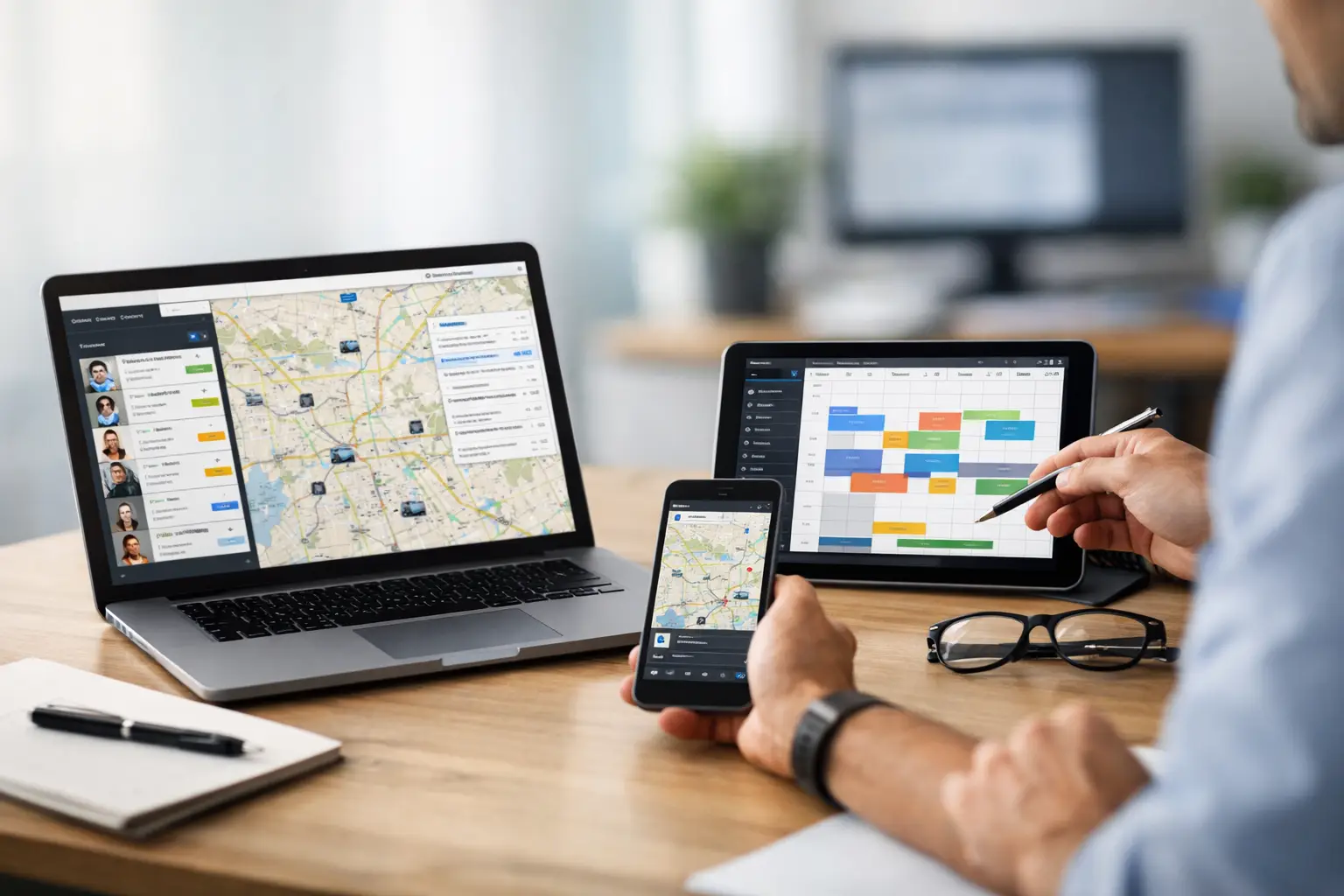
Dispatch Software Comparison That Helps You Buy
RoadWarrior Team
If your dispatcher is still building routes in Google Maps, texting drivers last-minute changes, and hoping the day holds together, the problem usually is not effort. It is the toolset. A smart dispatch software comparison starts with one question: what does your team need to do faster, with fewer mistakes, and at lower cost every single day?
That question matters because dispatch software is not one category with one buyer. A courier team handling 150 drops a day has different needs than a field service business juggling appointments, or a sales manager assigning territories across a metro area. Some platforms are built for visibility. Some are built for route optimization. Some are built for broader fleet management and bring extra complexity along with it. The best choice depends on where your time and money are leaking now.
How to approach a dispatch software comparison
Most buyers get stuck because demos make everything sound similar. Every platform promises efficiency, tracking, and better coordination. But when you compare them in the real world, a few differences decide whether the software saves your team time or adds another layer of admin.
Start with route complexity. If your drivers run multi-stop routes, route optimization is not a nice extra. It is the engine. Software that can automatically sequence stops based on traffic, business hours, driver availability, and route constraints will cut manual planning time and reduce wasted miles. If a product treats routing like an afterthought, your dispatcher will still be doing too much work by hand.
Then look at dispatch-to-driver flow. Good dispatch software does more than assign jobs. It gives dispatchers control without forcing drivers to jump between apps all day. Drivers should get routes clearly, navigate turn by turn, update statuses quickly, and handle changes without confusion. If the handoff from office to field is clunky, your team pays for it in delays and missed stops.
Pricing also deserves more attention than most comparisons give it. Some tools look affordable until you add users, GPS tracking, proof of delivery, or reporting. Others are more transparent and easier to scale for small and mid-sized businesses. Cheap software that wastes hours is expensive. Expensive software with features you will never use is not much better.
The features that matter most in dispatch software comparison
The strongest dispatch software comparison focuses less on flashy extras and more on daily operational value. For most route-based businesses, five areas matter most.
Route optimization that actually saves time
This is where real savings show up. If your team handles multiple stops, the software should reduce planning time and produce efficient routes fast. That means accounting for traffic, stop order, time windows, and route volume without forcing a dispatcher to manually sort everything. The bigger the route count, the bigger the payoff.
For owner-operators and small teams, speed and simplicity matter just as much as optimization depth. If it takes too long to build a route, the software loses value. For larger teams, bulk planning and multi-driver assignment become more important.
Driver experience in the field
Dispatchers buy the software, but drivers live in it. If the mobile experience is confusing, adoption drops fast. Drivers need clear stops, fast navigation, easy proof of completion, and status updates that do not slow them down. A good app helps drivers crush their routes instead of fighting the screen between jobs.
This is one area where general-purpose navigation tools fall short. They can get a driver from point A to point B, but they do not manage the whole workday well when there are dozens of stops, changing priorities, and dispatcher oversight.
Real-time visibility and reassignment
Not every team needs full fleet telematics. But most dispatch operations need a live picture of who is where, what is done, and what needs attention. That visibility matters when a driver runs late, a customer reschedules, or a high-priority stop needs to be reassigned.
Some businesses need detailed live monitoring. Others just need simple status updates and the ability to push route changes quickly. The right level depends on your operation. More visibility is not always better if it comes with a harder setup and a steeper learning curve.
Proof of delivery and accountability
If customer disputes, missed stops, or compliance issues are costing you time, proof of delivery can be worth paying for. Photos, signatures, timestamps, and completion records help close the loop. This is especially useful for delivery businesses, service teams, and any operation where the office needs confirmation that the work was done.
The trade-off is that not every team needs advanced proof workflows. If your jobs are simple and low-risk, basic completion tracking may be enough.
Ease of use and time to value
This one gets underestimated all the time. Powerful software that takes weeks to configure can drag down a small business that needs results now. Ease of use matters because dispatch software touches planning, coordination, and field execution at the same time. If your team cannot learn it quickly, you delay the payoff.
For many small and midsize operations, the best platform is not the one with the longest feature list. It is the one that helps dispatchers plan faster, helps drivers execute faster, and starts delivering savings this week.
Where different types of platforms win
A fair dispatch software comparison should separate products by what they are trying to solve.
Fleet-heavy platforms are often strongest for organizations that need compliance, vehicle tracking, maintenance, dash cams, or enterprise controls. If you manage a large operation with broad fleet oversight requirements, those tools can make sense. The downside is cost and complexity. Teams that mainly need fast route planning and clean dispatching may end up paying for features outside their daily workflow.
Field service platforms are usually strongest when scheduling, technician availability, invoicing, and customer appointment workflows are the center of the operation. They can be a good fit for HVAC, plumbing, repair, and service businesses. But some are weaker on route optimization, especially when routes involve high stop counts instead of a smaller number of scheduled appointments.
Route-first dispatch platforms tend to work best for delivery teams, field sales, merchandisers, couriers, and service businesses with dense multi-stop days. Their advantage is speed. They are built to cut miles, reduce windshield time, and make route execution easier. If your main pain is too much manual planning and too much wasted driving, this category often gives the fastest return.
That is why businesses comparing options should be honest about the core job. Are you buying dispatch software to manage vehicles, schedule appointments, or optimize routes and coordinate drivers? The answer narrows the field quickly.
What small businesses should watch for
Small businesses often need dispatch software the most and have the least room for a bad purchase. One wrong choice can mean higher monthly costs, frustrated drivers, and no real improvement in daily operations.
Watch for software that feels built for enterprise buyers first and everyone else second. That usually shows up as long onboarding, custom implementation, confusing pricing, or features that require a dedicated admin. Unless your business truly needs that level of system, it can be overkill.
You should also watch for tools that promise optimization but still require too much manual cleanup. If your dispatcher has to rebuild the route after the software finishes, the time savings disappear.
For many growing teams, the sweet spot is software that combines strong multi-stop route planning, dispatch visibility, mobile driver usability, and straightforward pricing. That balance is where you start saving time without creating a new operational headache. RoadWarrior is built with that exact reality in mind - helping individual drivers and teams plan smarter, coordinate better, and get more done without overcomplicating the day.
How to make the final choice
The best software choice usually comes down to three numbers: planning time, miles driven, and stops completed per day. If a platform improves those numbers, it is helping your business. If not, the feature list does not matter much.
Before you commit, test the software against your actual workflow. Use a real route. Assign it the way your team normally would. Have a driver run it in the app. Make a mid-route change. Check how quickly the dispatcher can respond and how clearly the driver receives the update. That trial will tell you more than any polished sales pitch.
It also helps to think one step ahead. The software should fit your business today, but it should not trap you when route volume grows. If you plan to add drivers, expand service areas, or improve accountability with proof of delivery, make sure the platform can support that without a major jump in complexity.
Good dispatch software should feel like leverage. Your team plans faster, drives fewer wasted miles, handles changes with less stress, and finishes stronger. When the software fits the work, your operation gets tighter, your customers get better service, and your drivers have a better shot at getting home on time.
Tags