

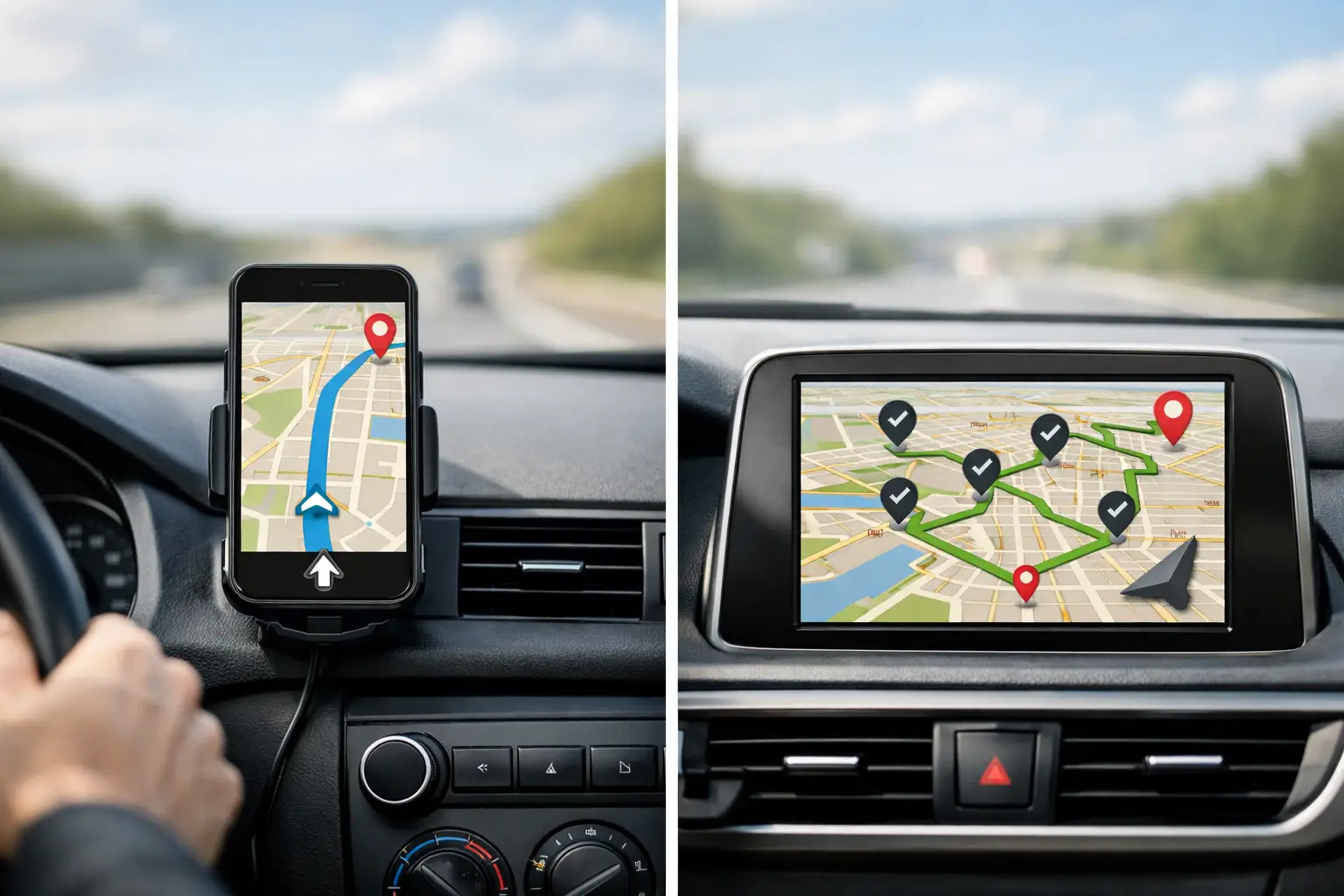
GPS Navigation Versus Route Optimization
RoadWarrior Team
A driver with 25 deliveries can lose an hour before the first package leaves the vehicle. Not because they cannot follow directions, but because the stops are in the wrong order. GPS navigation versus route optimization comes down to that difference: one gets you from point A to point B, while the other builds the smartest sequence for every point on the day’s schedule.
For a field sales rep, courier, service technician, or delivery business, that distinction shows up in miles driven, fuel spent, appointments completed, and the time you get home. Navigation is necessary. But if your workday includes multiple stops, navigation alone is only part of the job.
GPS navigation versus route optimization: the core difference
GPS navigation answers a single question: “How do I get from where I am to this destination?” It uses your current location, road network, traffic conditions, and route preferences to provide turn-by-turn guidance. It is excellent for getting to one customer, one job site, or one delivery address.
Route optimization answers a bigger question: “What is the best order to visit all of my destinations?” It evaluates a full list of stops before the drive begins, then arranges them to reduce travel time, mileage, or both. A good route optimizer can also account for real-world constraints, including appointment windows, start and end locations, service times, vehicle limits, and road restrictions.
Think of navigation as the driver’s directions on the road. Optimization is the planning layer that decides where the driver should go next. The two tools work best together: optimize the route first, then use GPS guidance for each leg.
The difference matters most when the number of stops grows. Picking the next stop manually may feel manageable with three addresses. At 15, 40, or 100 stops, small routing mistakes compound quickly. A route that looks reasonable on a map can still include backtracking, unnecessary highway loops, and neighborhoods visited twice.
Why GPS alone creates costly multi-stop routes
Most general navigation apps let you add several destinations. That can be useful for errands or a short service run. But adding stops in the order they were received is not the same as optimizing them.
If a dispatcher enters jobs as customers call, the sequence may send a driver north, then south, then back north again. The GPS app will provide accurate directions for each leg, but it will not necessarily challenge the order of those legs. The driver follows good directions through a poorly planned day.
That costs more than gas. Extra driving means more vehicle wear, more idle time in traffic, fewer available appointment slots, and more pressure when an early delay puts the rest of the schedule behind. For independent drivers, the impact often lands directly on daily earnings. For teams, it can mean overtime, missed delivery windows, and frustrated customers asking where their driver is.
Traffic adds another layer. Navigation tools are built to react to congestion on the current trip. Route optimization helps you avoid creating a route that sends drivers across the same congested area multiple times in the first place. It cannot eliminate accidents or road closures, but it gives the day a better starting point.
What route optimization actually considers
A route optimizer is not simply sorting addresses alphabetically or drawing a line between pins. It compares possible stop sequences and looks for the route that best meets the goal you set. That goal may be the shortest distance, fastest drive time, or a practical balance of both.
The best route is not always the one with the fewest miles. A route with slightly more mileage may be faster if it avoids repeated turns through dense downtown traffic or reduces time spent waiting near a time-sensitive stop. Likewise, a technician with a 9:00 a.m. appointment cannot treat that job like a flexible delivery. The schedule has to respect the commitment first, then optimize the remaining work around it.
For working drivers, useful optimization should accommodate the details that shape a real route: a home base or warehouse, fixed appointments, priority stops, recurring customers, service duration, and the need to return to the office at the end of the day. Teams may also need to divide stops across multiple drivers rather than create one ideal route for a single vehicle.
That is why the right tool depends on the work. A florist making 12 timed deliveries has different constraints than a landscaper visiting recurring properties or a sales rep planning territory calls. The goal is not to produce a mathematically interesting route. It is to create a route that drivers can execute without wasting the day.
When basic GPS navigation is enough
GPS navigation is usually enough when the route is simple. If you have one destination, a few stops that must happen in a specific order, or a route determined entirely by customer appointment times, turn-by-turn directions may be all you need.
It is also helpful for on-the-fly changes. A customer may cancel, a job may run long, or a driver may need to make an urgent pickup. In those moments, navigation keeps the next move clear.
But simple navigation becomes less effective when drivers routinely plan more than a handful of flexible stops. If people are dragging pins around, opening spreadsheets, copying addresses between apps, or relying on local memory to decide what comes next, route optimization can remove a major source of daily friction.
The trigger is not a specific stop count. It is whether stop order affects your costs and capacity. For a rural driver, six widely spaced stops may justify optimization. For an urban courier, even 10 stops can create expensive backtracking if they are sequenced poorly.
Route optimization gives dispatchers more control
For teams, the GPS navigation versus route optimization conversation is also about coordination. A navigation app can help an individual driver reach an address. It does not automatically organize workloads, assign stops fairly, or give dispatchers a clear view of route progress.
A route planning platform gives the dispatcher a way to build routes, distribute jobs, and send organized stop lists to drivers. That replaces group texts, handwritten route sheets, and last-minute calls asking which driver is covering a customer.
RoadWarrior Flex, for example, is designed to connect dispatchers and drivers around the same route plan. Drivers receive an organized route and GPS delivery navigation, while teams can coordinate assignments and execution from a central workflow. That is especially useful when routes change throughout the day or when multiple drivers serve overlapping territories.
Control should not come at the expense of driver autonomy. The best systems let drivers handle real conditions on the road while keeping dispatch informed. A driver may need to skip a closed business, adjust for a delayed appointment, or reach a high-priority customer first. The plan should support those decisions, not trap the driver in a rigid sequence that no longer matches reality.
Build a smarter daily routing workflow
The strongest workflow starts before the vehicle moves. Collect all stops in one place, confirm addresses, flag appointments that cannot move, and identify any priority jobs. Then optimize the route based on the goal that matters most, whether that is reducing total drive time, cutting mileage, or meeting time windows.
After optimization, send the route to the driver with clear stop details. Use GPS navigation for the turn-by-turn portion of each leg, and update the route when conditions genuinely change. Avoid rebuilding the entire day for every minor delay. Constant rerouting can create confusion and distract drivers from the work in front of them.
At the end of the day, compare planned and actual results. Did drivers finish earlier? Did miles fall? Were there recurring address problems, service-time estimates, or territories that need adjustment? These small reviews turn route planning from a daily scramble into an operational advantage.
For individual drivers, the payoff is straightforward: less time deciding where to go next and more time completing paid work. For businesses, it is a practical way to lower fuel spend, improve capacity, and give customers more reliable service windows.
The next time a route has more than a few stops, do not settle for directions to the next address. Plan the entire day first, then let GPS guide the drive. That is how working professionals cut the wasted miles and crush their routes.
Tags