

How Many Stops Can a Route Planner Handle?
RoadWarrior Team
A 12-stop delivery route can be easy to manage by hand. A 60-stop day with time windows, traffic, pickups, and customers spread across town is where the work gets expensive. If you are asking how many stops can a route planner handle, the useful answer is not just a number. It is whether the planner can build a route your driver can actually finish on time, with fewer miles and less guesswork.
How Many Stops Can a Route Planner Handle?
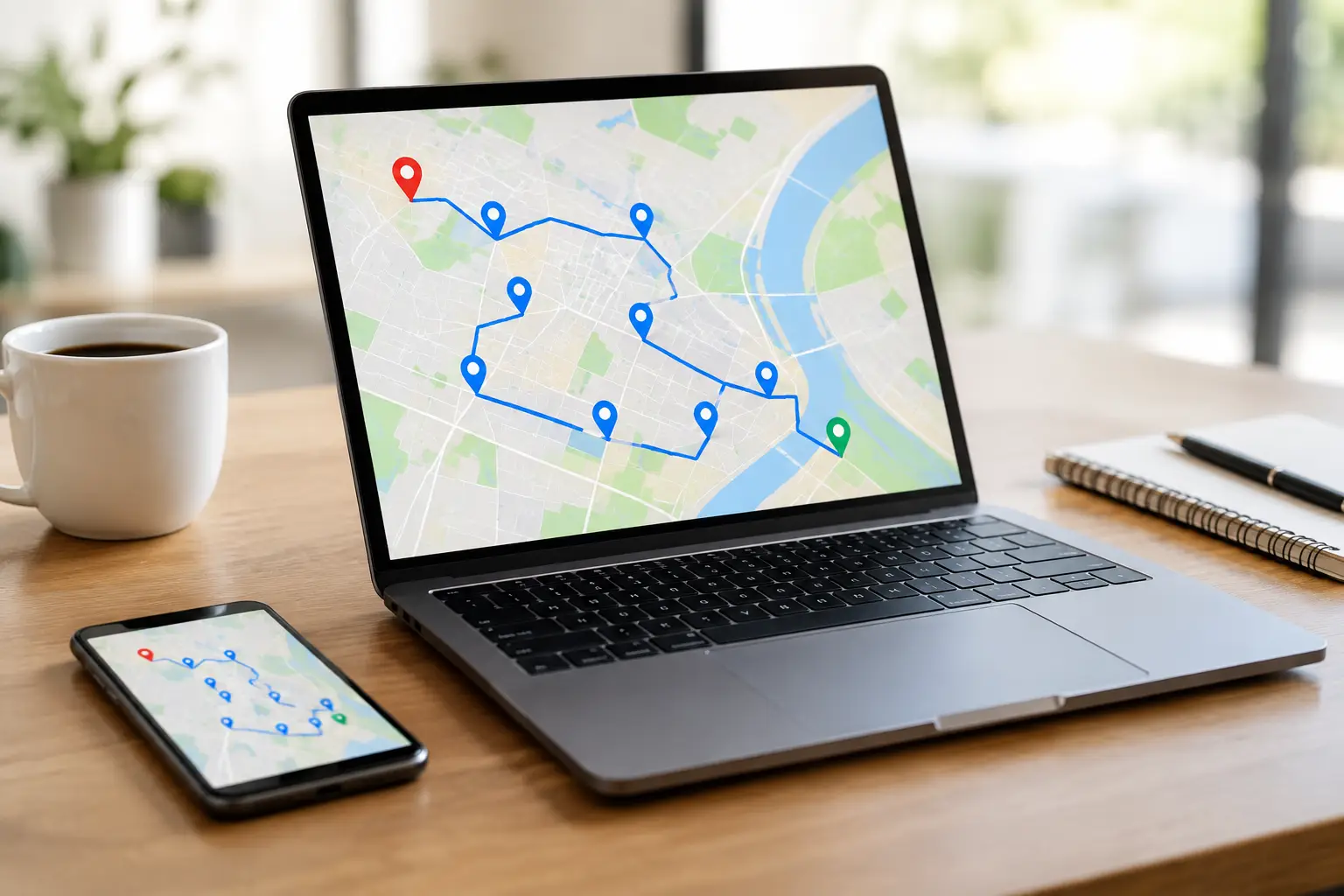
A capable professional route planner can optimize hundreds of stops in a day. RoadWarrior supports routes with up to 500 stops per day, giving high-volume drivers, dispatchers, and growing delivery businesses room to plan without breaking large routes into time-consuming manual batches.
But the maximum number of stops is only one part of the decision. A route with 500 addresses may be technically possible to optimize, yet it may require several drivers, multiple route zones, or an all-day operating window. The better question is: how many stops can your business complete while meeting service commitments and protecting driver time?
For an independent courier, that might mean 40 tightly clustered package deliveries. For a field service team, it could mean 10 appointments with long service times and strict arrival windows. Both routes need optimization. They simply need it for different reasons.
The software limit versus the working limit
Every route planner has a software limit: the number of addresses it can import, map, sequence, and navigate. Some basic tools are designed for a handful of destinations, while dedicated multi-stop route planners are built for much larger daily workloads.
Your working limit is more important. It is the number of stops a driver can realistically service in one shift after accounting for drive time, parking, loading, customer interaction, breaks, traffic, and unexpected delays. A route planner should help you find that limit quickly instead of hiding it behind a neat-looking map.
If a 75-stop route has 75 miles of driving but each stop takes eight minutes, the service time alone is 10 hours. No route order can turn that into an eight-hour shift. Optimization reduces unnecessary driving. It does not eliminate the time required to do the job.
What Determines a Route’s Real Stop Capacity?
Stop count matters, but route complexity determines whether a large route is usable. Two routes with the same number of stops can have very different outcomes.
Stop density and geography
Dense urban routes often support more stops because destinations are close together. They also bring parking constraints, traffic congestion, building access, and elevator time. Rural and suburban routes usually have fewer access barriers, but the distance between stops can sharply reduce daily capacity.
A 50-stop route across a compact neighborhood may be more manageable than a 20-stop route spread across three counties. This is why plotting pins on a map is not enough. The route needs an efficient driving order based on real roads and expected travel conditions.
Service time at each stop
A doorstep drop-off can take one or two minutes. A signature-required delivery, equipment repair, sales meeting, or landscaping visit may take much longer. If your planner only considers travel distance, it can create an order that looks efficient but leaves drivers late by midafternoon.
Build service duration into your planning process. Even a simple estimate helps you separate a route that is physically drivable from one that is operationally achievable.
Time windows, priorities, and route rules
Time-sensitive stops add complexity fast. A medical delivery due before noon, a customer who only accepts service after 2 p.m., or a high-priority pickup changes the best sequence for every other stop.
The same is true for route rules. Drivers may need to start from home, return to a depot, avoid toll roads, make pickups before deliveries, or finish near a specific area. These constraints are not edge cases for working teams. They are the difference between a route that works in the field and one that has to be rebuilt from a parking lot.
Vehicle and driver capacity
A route may fit within a driver’s available hours but exceed the vehicle’s cargo capacity. It may have too many refrigerated items, too much equipment, or more packages than can be loaded safely. For teams, driver skills and territory knowledge also matter. Assigning every stop to the mathematically closest driver is not always the best operational decision.
Large stop counts work best when dispatchers can divide work by geography, capacity, time windows, and driver availability before routes go out.
When a Bigger Route Becomes Harder to Optimize
As stop counts rise, small errors become costly. A duplicate address, missing apartment number, wrong ZIP code, or pin placed on the wrong side of a divided highway can create delays that ripple through the day.
This is why a 200-stop route requires more than a stronger algorithm. It requires clean stop data and a clear operating plan. Verify addresses before dispatch, label priority stops, and standardize the information drivers need at each location. A driver should not have to call dispatch just to learn a gate code or confirm a delivery note.
Large routes also need room for change. New orders, cancellations, customer requests, traffic incidents, and failed deliveries are normal. The best planning workflow is not one that produces a perfect route at 7 a.m. It is one that lets your team adjust quickly without losing control of the whole day.
How to Plan High-Stop Routes Without Slowing Down
Start by grouping stops into sensible service areas. This reduces crisscrossing and makes it easier to spot routes that are too large before a driver leaves. If one side of town has 90 stops and another has 20, do not assume the solution is to split them evenly by count. Compare drive time, service time, and delivery windows.
Next, set a realistic route duration. A route scheduled for seven productive hours should not be built as if the driver has eight uninterrupted hours. Leave time for loading, fuel, breaks, parking, calls, and exceptions. That buffer protects your arrival times when traffic does not cooperate.
Then optimize the stop order and review the result like an operator, not just a map viewer. Look for long jumps between stops, time-window conflicts, routes that end far from the driver’s final destination, and clusters that could be assigned to another vehicle. Optimization gives you the fastest starting point. Operational judgment makes it work in the real world.
For team routes, send finalized plans directly to drivers with the stop details they need. Dispatcher-to-driver coordination matters most when the route changes after departure. A driver who receives clear updates can keep moving. A driver working from screenshots, texts, and an outdated address list loses time at every exception.
Choosing a Stop Limit for Your Business
There is no universal “good” number of stops. Use your own route history to establish a baseline. Track how many stops drivers complete, average time per stop, total miles, late arrivals, and overtime. After a few weeks, patterns become clear.
If drivers regularly finish early, you may have room to add stops or tighten territories. If they are consistently late despite working long hours, the issue may be stop density, service time, poor route data, or too many exceptions - not driver performance.
It also helps to test route size in stages. Move from 25 stops to 40, or from 75 to 100, while watching completion time and mileage. A modest increase in stops may produce better vehicle utilization. Push too far, and late deliveries, missed appointments, fuel spend, and frustrated drivers can erase the gains.
The goal is not to see how many pins you can force onto one route. It is to build a repeatable day where drivers complete more work with fewer miles, dispatchers spend less time reorganizing plans, and customers get reliable service. Find that operating range, then let your route planner handle the hard math so your team can crush the route.
Tags