

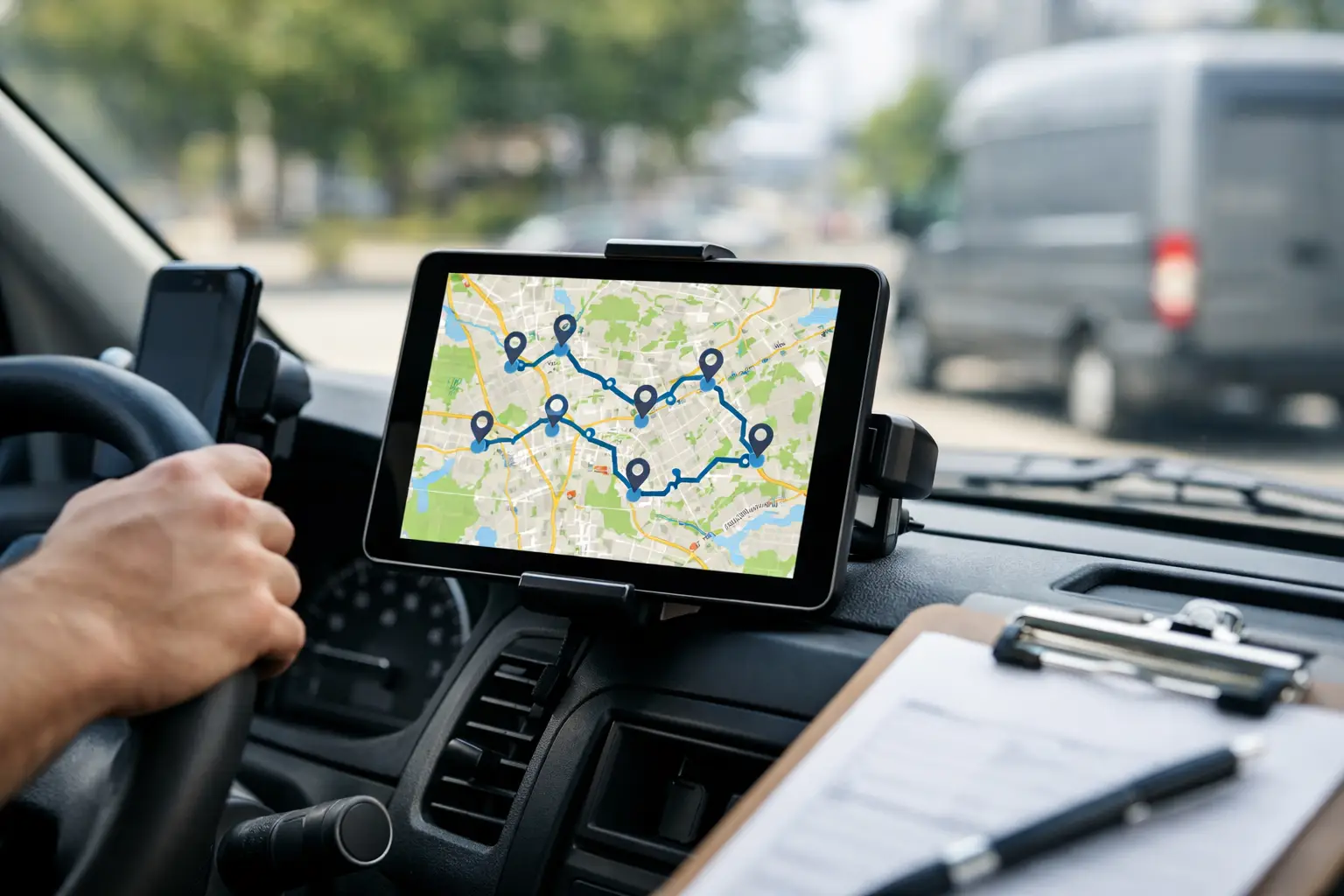
MapQuest Multi-Stop Route Planning for Work
RoadWarrior Team
If your day starts with 12 deliveries, 3 service calls, and a customer who needs a tighter ETA than you can comfortably promise, mapquest multi-stop route planning probably sounds like a quick fix. And for light-duty routing, it can be. But once your route affects payroll, fuel spend, customer satisfaction, and how late you get home, the real question is not whether you can add multiple stops. It is whether the tool can build the best route for the way you actually work.
Where MapQuest multi-stop route planning fits
MapQuest still has a place for straightforward route building. If you are planning a short run with a handful of stops and you mostly need a visual path from point A to point B to point C, it can handle the basics. That is useful for occasional travel, personal errands, or simple territory runs where stop order does not change much and time pressure is low.
That matters because not every route needs serious optimization. If you visit the same four customers every Tuesday and they are already clustered in a practical order, a basic multi-stop planner may be enough. Free or low-complexity tools can feel efficient when the route itself is simple.
The problem starts when your route looks more like real work. More stops, tighter windows, variable traffic, driver constraints, and changing priorities expose the gap between adding stops and optimizing them.
The difference between adding stops and optimizing a route
This is where many drivers and dispatchers lose time without realizing it. A multi-stop planner lets you enter several addresses. A route optimization tool calculates the best sequence to reduce drive time and mileage while accounting for the conditions that matter in the field.
That difference sounds small until you multiply it across a full day. Reordering 15 stops manually can eat up 20 to 30 minutes before the first job even starts. Keeping the original order might cost you extra miles all day long. And if one late stop throws off the next six, your route is no longer just inefficient. It is expensive.
For a courier, that can mean fewer completed drops. For a field service team, it can mean missed appointments and overtime. For an owner-operator, it can mean paying more for gas while earning less from the same workday.
What MapQuest multi-stop route planning does well
To be fair, MapQuest is not trying to be everything for everyone. Its strength is accessibility. It is familiar, easy to understand, and useful for mapping several locations into one trip. If your needs are occasional and your routes are short, that simplicity can be appealing.
It also works better when the stakes are lower. A sales rep planning a day with a few account visits might find it workable. A real estate agent stringing together a handful of showings might be fine. A small business owner doing local errands may not need more than the basics.
There is value in that. Not every user needs enterprise-level routing logic.
Where it starts to break down for professional routes
Once routing becomes part of your operation, the cracks show up fast. Manual stop ordering is the biggest issue. If you have to guess the best sequence yourself, you are doing route planning with your own time instead of letting software do the work.
Traffic is another factor. A route that looks fine on a map can turn into a bad plan once congestion builds, left turns stack up, or the morning window closes on one side of town before you get there. Professional route planning needs to think past distance alone.
Then there is scale. Five stops is one thing. Twenty-five is another. One hundred is a different job entirely. At that point, a simple route planner becomes a bottleneck. Dispatchers spend too much time editing routes, and drivers end up compensating in the field.
That is usually the tipping point. When the route planner creates more manual work than it removes, it is no longer helping you crush your routes.
What professional drivers actually need
Drivers and route managers do not just need directions. They need a planning system that saves minutes at the front end and miles on the road. That means fast stop import, automatic sequencing, traffic-aware logic, and navigation that keeps the day moving.
For teams, it goes further. Dispatchers need to assign work cleanly. Managers need visibility into who is running which route. Businesses need a process that scales without turning every morning into a scheduling fire drill.
A route planner built for work should answer practical questions quickly. What is the fastest stop order? Which driver should take this territory? How do we reduce windshield time? How do we handle dozens of stops without building routes one by one? Those are operating questions, not mapping questions.
When a basic planner is enough and when it is not
There is no reason to overbuy software. If you run a few stops a day, rarely change routes, and do not care much about optimization, a basic option may be perfectly reasonable. Sometimes good enough is good enough.
But if route quality affects margin, service levels, or how many jobs you can finish in a shift, it pays to be more demanding. The cost of a weak route plan rarely shows up in one dramatic failure. It shows up in ten extra miles, two late arrivals, one skipped stop, and another day that ran longer than it should have.
That is why experienced operators look beyond whether a tool supports multiple stops. They want to know whether it improves execution.
A better standard for multi-stop route planning
The right benchmark is simple. Your route planner should help you finish more work with less waste. If it cannot reliably save time, reduce miles, and make the day easier to manage, it is not doing enough.
That is especially true for delivery teams, field service businesses, and independent drivers handling dense schedules. They need optimization, not just visualization. They need to build routes quickly, adjust to changing conditions, and keep drivers focused on the next stop instead of the next workaround.
This is where tools designed specifically for route-based work pull ahead. A platform like RoadWarrior is built for that daily grind - optimizing stop order, handling larger route volumes, and supporting both solo drivers and coordinated teams. The benefit is not theoretical. It is fewer wasted miles, faster route setup, and more control over the day.
How to evaluate your current routing setup
If you are deciding whether mapquest multi-stop route planning is enough for your operation, look at your last two weeks instead of the feature list. How long did route planning take each morning? How often did drivers backtrack? How many miles felt avoidable? How often did the route need manual fixing after it was built?
Those answers tell you more than marketing copy ever will. If planning is quick and route performance is solid, you may not need to change anything yet. But if routing feels like a daily compromise, the software is probably part of the problem.
It also helps to look at opportunity cost. Saving 30 minutes a day on planning and driving might not sound huge in isolation. Across one driver, that is meaningful. Across a team, it becomes a serious operational gain. More stops completed. Less fuel burned. Fewer headaches for dispatch.
The real takeaway on MapQuest multi-stop route planning
MapQuest can be useful for simple multi-stop trips. That is the fair read. It is accessible, familiar, and workable for lighter routing needs.
But professional driving is not a simple trip. It is a chain of commitments where route order, timing, mileage, and field execution directly affect revenue. In that environment, basic multi-stop planning only gets you part of the way.
The better question is not, can this tool map my stops? It is, can this tool help me run a better day? If the answer is no, you already know what the next upgrade should solve.
The strongest route planning tools do not just show you where to go. They help you move faster, waste less, and get more done before the day is over. That is the standard worth holding.
Tags