

Multi Stop Route Planning Google Maps Guide
RoadWarrior Team
If you are building delivery runs, service calls, or sales visits by hand, multi stop route planning with Google Maps can feel like the obvious first move. It is familiar, free to start, and easy enough for a few addresses. The problem shows up when a simple day turns into 12 stops, a late add-on, traffic across town, and a clock that keeps moving.
That is where the gap becomes real. Google Maps is a strong navigation tool for two or three stops, but route planning and route optimization are not the same job. If you drive for work and make a lot of stops, that difference affects miles, fuel, on-time performance, and how fast your day actually ends.
How multi stop route planning on Google Maps works
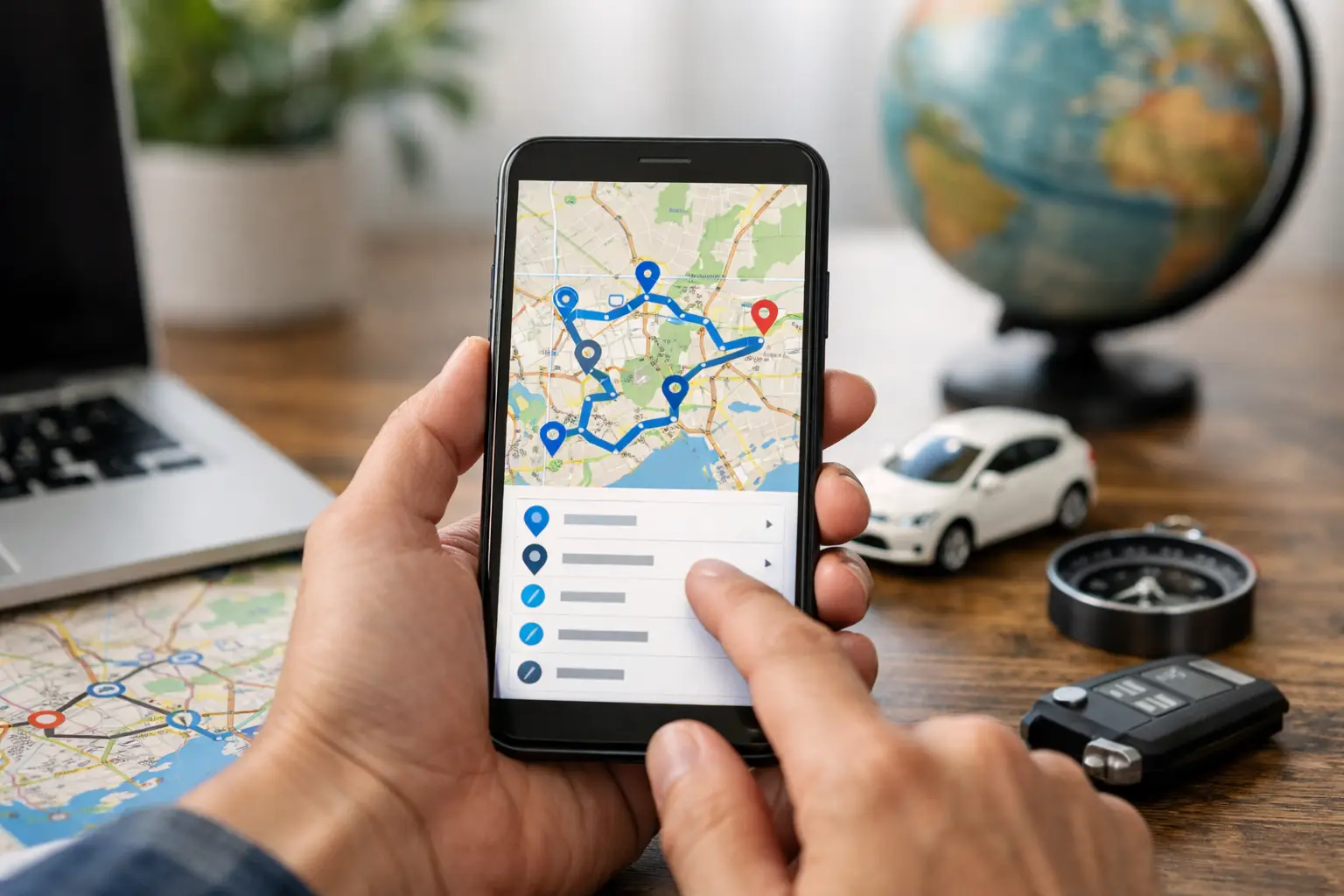
Google Maps lets you create a route with multiple stops by entering a starting point, destination, and additional locations in between. On desktop, you can add stops and drag them into a different order. On mobile, you can also add multiple destinations, though the experience is usually better for quick edits than full route building.
For light use, this works fine. If you have a handful of appointments and already know the best order, Google Maps can get you from stop to stop without much friction. It is especially useful when your route changes once or twice and you just need turn-by-turn directions.
But there is a catch that matters for anyone running routes for work. Google Maps does not automatically optimize all your stops into the most efficient sequence for a delivery day. It helps you navigate the order you choose. That means the planner is often still you.
Where Google Maps helps and where it slows you down
For one driver with five or six stops, the manual approach may be good enough. You can look at a map, rearrange the order, and head out. If the geography is simple and time windows do not matter, the cost of doing it manually stays relatively low.
Once the route gets denser, the manual work starts stacking up. Ten stops become fifteen. One side of town gets backed up. A customer asks for a tighter arrival window. A dispatcher needs to send another driver. Suddenly you are not just navigating. You are solving a route puzzle under pressure.
This is where free tools often create hidden costs. The app may be free, but your time is not. Neither is extra mileage, missed ETAs, or the last hour of the day spent zigzagging because the stop order looked fine on screen but fell apart in traffic.
Google Maps is best understood as a navigation layer. It is not built to run the full operational logic of a route-based business.
The biggest limits of multi stop route planning Google Maps
The first limitation is stop count. Google Maps supports multiple stops, but not at the scale many professional drivers need. If your workday involves a long delivery list, recurring service calls, or territory coverage, you can hit that ceiling fast.
The second issue is manual sequencing. You can reorder stops yourself, but Google Maps typically does not calculate the best overall route for your entire day the way a true route optimization tool does. That matters because the best route is not always obvious. What looks close on the map can still create backtracking, left-turn delays, or bad traffic timing.
The third limitation is operational control. If you manage a team, Google Maps does not give you much help with dispatching, assigning routes, balancing workloads, or adjusting plans across multiple drivers. It is built for getting one person from point A to point B, not for coordinating field operations.
Then there is the issue of constraints. Real routes are rarely just a list of addresses. Drivers may need to avoid tolls, honor customer time windows, start from a depot, end somewhere else, or fit a route into a fixed shift. These details change what the best route actually is. Basic mapping tools are not designed to account for all of that in a business-ready way.
When Google Maps is enough
There are days when sticking with Google Maps makes sense. If you are a solo driver with a short route, stable stop order, and no dispatch complexity, it may do the job. The same is true if your route is occasional rather than daily, or if you only need to string together a few client visits.
In those cases, convenience wins. You can punch in the stops, make a couple quick edits, and get moving.
The question is not whether Google Maps works at all. The question is whether it works well enough for the volume, speed, and reliability your business needs.
When it is time to switch to route optimization
If you spend more than a few minutes arranging stops each morning, that is a signal. If drivers are crossing paths, doubling back, or finishing later than expected, that is another one. If dispatchers are building routes manually because no one trusts the stop order, you are already paying for the limits of a general-purpose map app.
A dedicated route planner changes the workflow. Instead of deciding the order yourself, you upload your stops and let the system optimize them based on distance, traffic, and business rules. Instead of one route for one driver, you can build routes across a team. Instead of reacting all day, you start with a stronger plan.
That is where businesses usually see measurable gains. Fewer miles. Less windshield time. Tighter arrival windows. More stops completed in the same shift. Those are not small improvements when routing is part of how you make money.
What professional drivers need that Google Maps alone cannot do
Professional routing is not just about seeing roads on a screen. It is about turning a list of jobs into a profitable day.
A route optimization platform should help you sequence dozens or even hundreds of stops quickly. It should account for traffic instead of forcing drivers to discover problems in real time. It should make it easy to import addresses, adjust routes, and send clean directions to the field.
For teams, it should also support dispatcher-to-driver coordination. That includes assigning routes, managing changes during the day, and keeping everyone aligned without a string of calls and texts. If your operation depends on multiple drivers, that control is not a bonus. It is the difference between organized execution and daily chaos.
This is exactly why many businesses outgrow Google Maps. It was never meant to be a dispatch system or a route optimization engine for high-stop workflows.
A better way to plan multi-stop routes
If your day depends on route efficiency, start by separating navigation from planning. Navigation gets the driver to the next stop. Planning decides what the next stop should be.
That shift changes everything. When your route is optimized before the driver leaves, you reduce wasted miles from the start. When routes are built with traffic and constraints in mind, the day runs with fewer surprises. When dispatch and drivers work from the same route plan, execution gets cleaner.
For businesses running delivery, field service, sales, or territory routes, that is where a dedicated platform earns its keep. Tools built for route operations can optimize up to hundreds of stops, support team coordination, and reduce the manual work that slows down mornings and wrecks afternoons. RoadWarrior is one example of that approach, giving drivers and teams a faster way to build smart routes and crush the day without wrestling with stop order by hand.
The real cost of staying manual
A lot of operators stick with Google Maps because it feels free. But manual planning has a cost, and it shows up in places that are easy to miss at first. A few extra miles per route becomes real fuel spend over a month. Ten minutes of route building each morning becomes lost labor over a quarter. One route delay can throw off the rest of the schedule.
It also affects the driver experience. Bad routes create stress. They make drivers feel rushed, force more mid-day corrections, and increase the odds of finishing late. Better planning does not just improve numbers on a dashboard. It makes the workday more manageable.
If you run routes every day, the right question is not, can Google Maps handle multiple stops? It can. The better question is, how much efficiency are you leaving on the table by doing route planning manually?
For occasional use, the trade-off may be fine. For route-based work, it usually is not. When every mile and minute matters, using a navigation app as a route planner starts to look expensive.
The fastest route is not always the one you guessed right at 7 a.m. Build a smarter plan first, and the rest of the day gets a lot easier.
Tags