

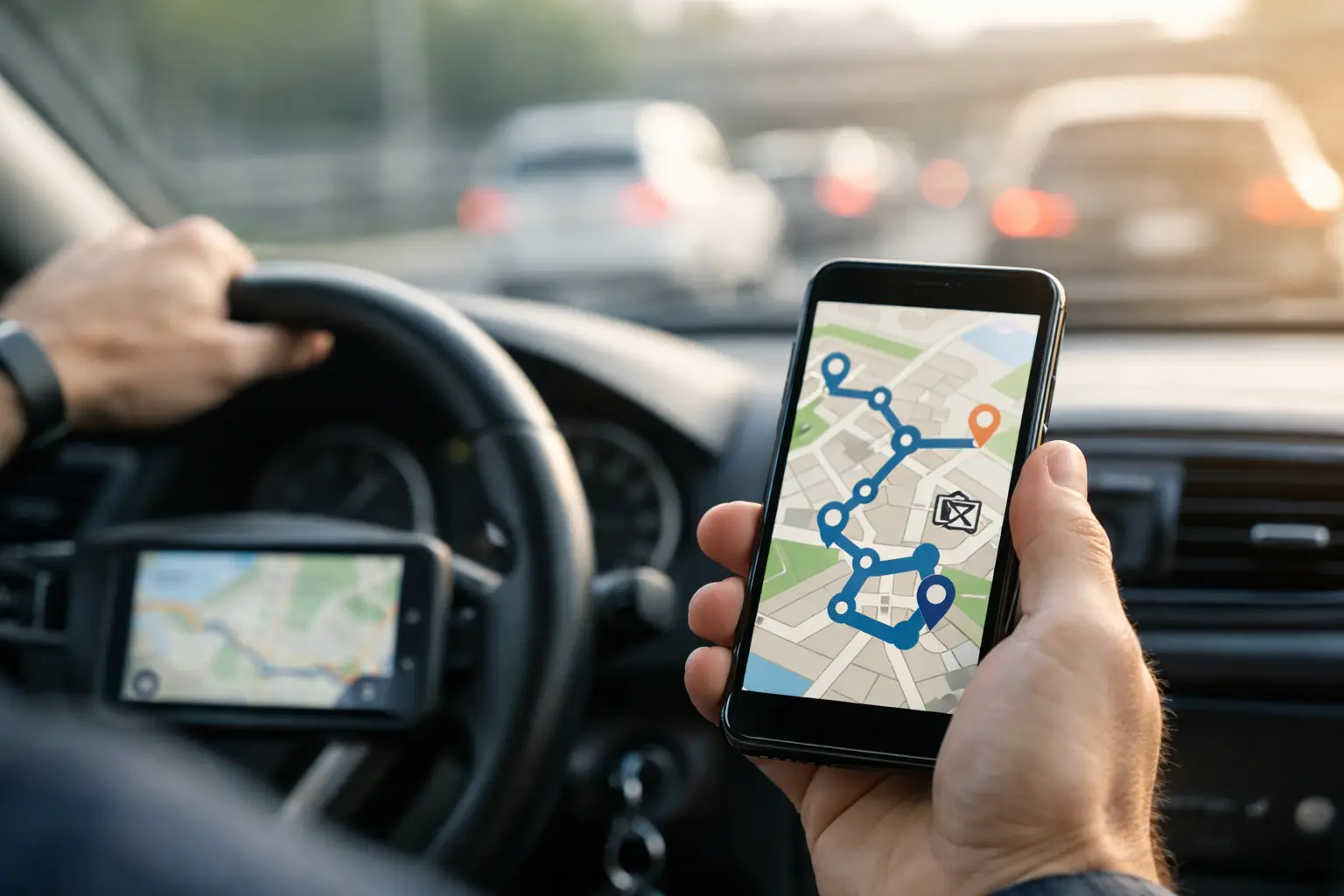
Route Optimization App Review for Busy Drivers
RoadWarrior Team
A route optimization app review should answer one question before anything else: will this tool help you finish more stops with fewer miles and less hassle? For a driver juggling 20 deliveries, a sales rep calling on prospects, or a dispatcher coordinating a field crew, route planning is not a nice extra. It determines fuel spend, arrival windows, customer experience, and whether you get home on time.
The right app does more than rearrange a list of addresses. It needs to handle the reality of a working route: changing traffic, appointment windows, vehicle limits, last-minute stops, and drivers who need clear navigation once they are on the road. Here is what to look for before you commit to a subscription.
What a route optimization app should actually do
Google Maps is useful for getting from point A to point B. It is not built to decide the best order for 40, 100, or 500 stops while accounting for business rules. That difference is where route optimization earns its keep.
A capable app takes a batch of locations and calculates an efficient route sequence based on distance, travel time, traffic, and the constraints you set. Instead of manually dragging pins around a map or guessing which neighborhood should come first, you start with a plan designed to reduce deadhead miles and wasted windshield time.
That does not mean every optimized route will look obvious at first glance. The fastest route may send you to an address that appears out of order because it avoids a traffic bottleneck, respects an appointment window, or groups stops more efficiently. A good app explains the route clearly enough that drivers can trust it, then gives them the flexibility to adjust when the day changes.
Route optimization app review: the criteria that matter
A polished map is not enough. When you compare route planners, focus on the features that change your daily operation rather than extras that look impressive in a demo.
Stop capacity and route speed
Start with the number of stops you need to plan on your busiest day, not your average day. A driver with 12 client visits has different needs from a courier handling 150 deliveries or a business with multiple routes to build before the morning rush.
Some lower-cost tools restrict stop counts so tightly that they become unusable as your business grows. Others can technically accept more stops but take too long to optimize, especially when you are trying to revise a route after a cancellation or urgent pickup. Look for an app that can process your real workload quickly. If you regularly run high-volume routes, capacity up to 500 stops per day can make the difference between a useful planning tool and another bottleneck.
Navigation that works after planning
Route optimization and turn-by-turn navigation are related, but they are not the same thing. The planning engine decides the order of stops. Navigation gets the driver through the actual day.
Check how the app hands off or delivers directions. Does it make it easy to start the next stop? Does it account for current traffic? Can drivers mark a stop complete, skipped, or failed without fighting through several screens? A route plan loses value if the driver has to manually search every address or constantly switch between apps at the curb.
For delivery and service work, the stop workflow matters just as much as the driving directions. Notes, contact details, delivery instructions, and a clear completion status can prevent avoidable calls back to the office.
Constraints that reflect real work
The shortest route is not always the best route. A florist may need delivery windows. A field service company may assign technicians by territory or skill. A driver in a tall vehicle may need to avoid certain roads. A sales rep may need to prioritize high-value accounts before lower-priority drop-ins.
Review the constraints an app can manage and, just as importantly, how easy they are to apply. If adding a time window requires a spreadsheet engineering project, the feature will not help much at 6:30 a.m. Simple controls for start and end locations, stop priority, service time, route duration, and time-sensitive appointments are far more valuable than a long feature list nobody uses.
Dispatch and team visibility
Solo drivers need speed and simplicity. Teams need those things plus coordination.
If you manage drivers, look for a dispatcher view that lets you build routes, assign work, and send plans directly to each driver's device. The right platform should reduce the endless string of texts asking who has which stop, whether a route changed, or why a job remains open. Driver status, completed stops, and proof of delivery can give managers the operational visibility they need without turning every driver into an administrator.
There is a trade-off here. A full fleet platform can be overkill for a one-person operation, while a simple single-driver route planner may fall short once you add a second or third vehicle. Choose for the business you run now, but make sure the app has a credible path for the team you expect to build.
Importing addresses and keeping data clean
Entering 60 addresses by hand is a bad use of anyone's time. Review how easily the app accepts stops from spreadsheets, copied lists, saved addresses, customer records, or a mobile device.
Import quality matters because bad address data creates bad routes. The app should flag incomplete or unrecognized addresses before the driver leaves. It should also make duplicates and repeat stops easy to spot. A few minutes spent cleaning a route at the start of the day can prevent miles of backtracking later.
Pricing that matches the value
Route software should save more than it costs. That calculation is usually straightforward: estimate the fuel, paid driving time, overtime, and missed capacity caused by inefficient routing, then compare it with the per-driver subscription.
Be cautious with pricing that looks cheap until you need basic business features. Stop limits, additional drivers, exports, dispatch tools, and proof of delivery may sit behind higher plans or add-ons. Transparent monthly pricing and a free trial make it easier to test the app against your real routes before making a long-term decision.
How to test a route planner before subscribing
Do not judge a routing app with five random addresses. Use a real route from a typical busy day, ideally one that includes a mix of tight delivery areas, scattered stops, appointment windows, and one or two locations that often create trouble.
First, build the route as you normally would and note how long it takes. Then optimize it in the app and compare total miles, estimated drive time, and stop order. The mileage reduction is useful, but also watch for practical details: Are the first and final stops sensible? Are priority stops scheduled correctly? Does the app create awkward backtracking? Can you change the route without starting over?
Next, have the person who actually drives the route test it from a phone. Office staff may love a planning dashboard, but drivers are the ones tapping through stops in rain, traffic, and parking lots. Ask whether the route is easy to follow, whether stop information is accessible, and whether completed-stop updates take seconds rather than minutes.
Finally, test the disruption. Add an urgent stop halfway through the route. Mark a customer unavailable. Move an appointment window. These are the moments when basic planners break down and a professional tool proves its value.
Where RoadWarrior fits
RoadWarrior is built for professionals who need to move through multi-stop work without wasting time manually sequencing addresses. It supports high-volume route planning, GPS delivery navigation, and team coordination through RoadWarrior Flex, making it a practical fit for independent drivers as well as dispatch-led operations.
The appeal is direct: build efficient routes fast, reduce unnecessary miles, and give drivers a clearer plan for the day. For a courier, field sales rep, service technician, or local delivery business, that can mean more completed work without adding another vehicle or another hour to the shift.
Still, no app should be chosen solely on a feature claim. Run your own routes through the trial. A landscaper with recurring neighborhood stops will evaluate it differently from a medical courier with time-critical deliveries, and both needs are valid.
The better question to ask
The best route planner is not necessarily the one with the longest feature list. It is the one your team will use every day because it saves enough time and miles to become part of the workflow.
Put it under pressure before you buy. Test your busiest route, your messiest route, and the kind of last-minute change that usually derails the afternoon. If the app helps you make faster decisions, keep drivers moving, and finish the day with less fuel burned and fewer loose ends, you have found a tool that can help you crush your routes.
Tags