

Route Optimization Software That Saves Hours
RoadWarrior Team
A 20-stop day can go sideways before the first delivery is complete. One address is entered in the wrong order, traffic builds on the freeway, a customer asks for an earlier arrival, and suddenly your route has more backtracking than progress. Route optimization software gives drivers and dispatchers a faster way to turn a long stop list into a workable day.
For delivery drivers, field sales reps, service technicians, and small teams, the payoff is direct: fewer miles, less time in traffic, lower fuel spend, and a better chance of getting home on time. The right tool does more than draw a line between addresses. It helps you make smarter decisions before the wheels start moving.
What Route Optimization Software Actually Does
Standard navigation apps are built to get you from point A to point B. That is useful when you have one appointment. It becomes a problem when you have 15, 50, or 200 stops that can be visited in many different sequences.
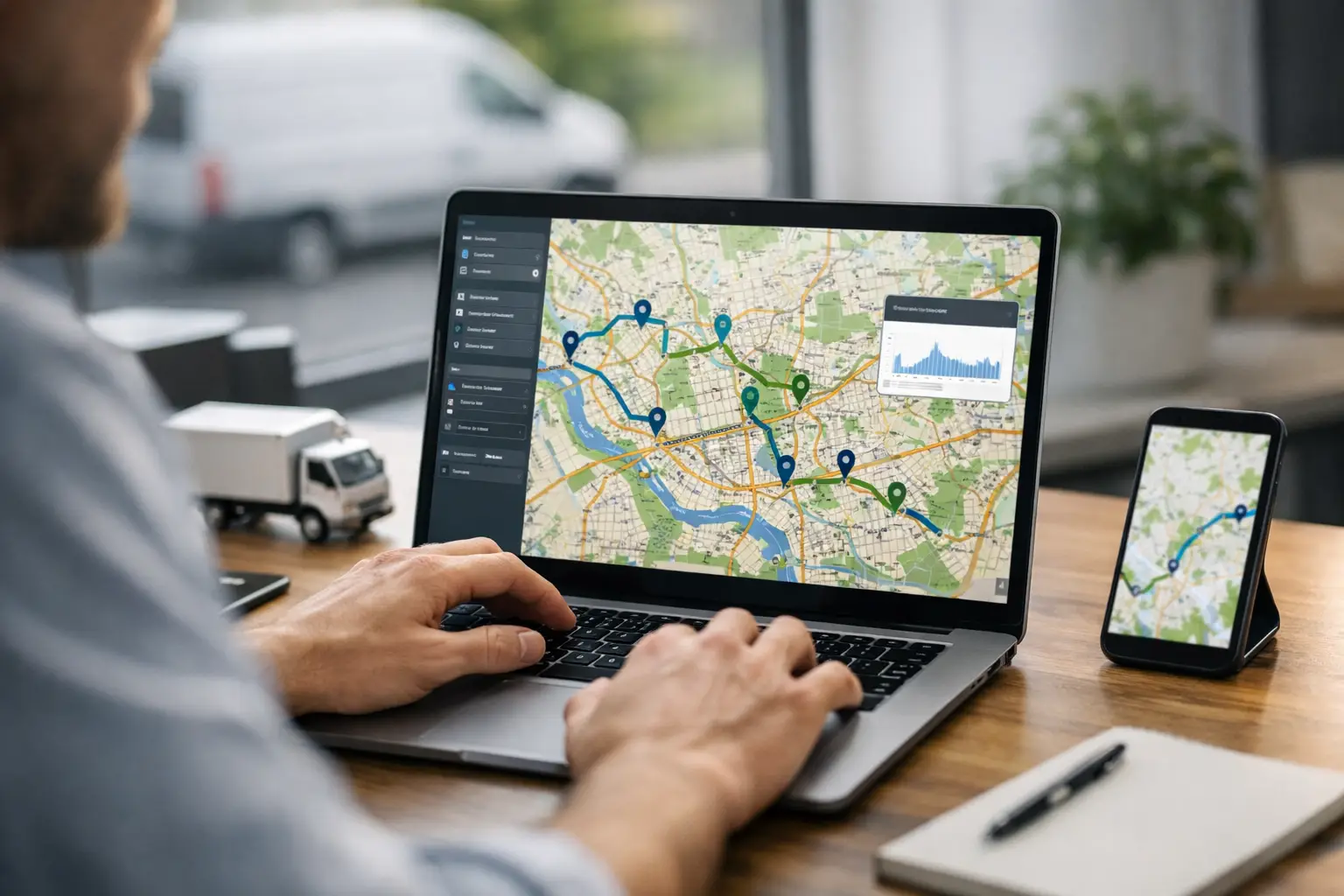
Route optimization software analyzes your full list of stops and arranges them in an efficient order. Instead of manually dragging addresses around a map or guessing which neighborhood to hit first, you can build a route based on distance, drive time, traffic, stop priorities, delivery windows, and route constraints.
The result is not always the shortest route in raw miles. Sometimes the best route avoids a rush-hour bottleneck, reaches a time-sensitive customer first, or keeps a driver in one service area before moving to the next. That distinction matters. A route that looks shorter on a map can cost more if it leaves drivers stuck in traffic or crossing the same part of town twice.
For teams, the software can also help dispatchers assign work, share route changes, and give drivers a clear stop-by-stop plan. Less calling, texting, and spreadsheet cleanup means more time spent completing jobs.
Where Manual Planning Starts Costing You
Manual route planning often feels free because it uses tools your team already has. The hidden cost shows up in wasted minutes that repeat every day.
A driver who spends 25 minutes sorting stops each morning loses more than two hours every week. Add a few unnecessary miles per route, an avoidable toll road, or a missed delivery window, and the cost grows fast. For an owner-operator, that can mean less income per shift. For a manager, it can mean higher fuel bills, overtime, late arrivals, and frustrated customers.
The problem gets bigger as stop counts increase. Planning eight nearby stops by hand may be manageable. Planning 40 stops across a metro area, with changing traffic and appointment windows, is a different kind of work. Even experienced drivers cannot reliably compare every possible stop sequence while they are loading a vehicle or responding to customer calls.
General-purpose maps also make it easy to build a route that is technically navigable but operationally weak. You may get turn-by-turn directions, yet still have to enter each destination one at a time, decide the order yourself, and rebuild the route when the day changes. That is not a routing workflow. It is a workaround.
The Features That Make a Real Difference
Not every route planner earns its place in a driver's daily routine. Focus on features that reduce actual work, not features that simply add another dashboard.
Multi-stop optimization at the scale you need
Your software should handle the number of stops you run now and leave room for busy days. A florist with 12 deliveries has different needs than a courier team with hundreds of parcels, but both need an optimized stop order in seconds. If your workload can spike during holidays, promotions, or seasonal service calls, capacity matters before the spike arrives.
Traffic-aware routing and flexible constraints
Traffic is not a minor detail. In dense markets, it can determine whether a route works at all. Look for tools that account for real-world road conditions and let you adjust the plan around priorities such as business hours, fixed appointments, vehicle limitations, or a required final stop.
This is where “fastest” depends on the job. A sales rep may prioritize arriving early for a key meeting. A delivery driver may need the lowest-mileage route to protect margins. A dispatcher may need to keep routes balanced across several drivers. Good software gives you control over those trade-offs.
Navigation that works from the route plan
Optimization only helps if the driver can execute it easily. The route should flow into clear GPS navigation, with stops marked complete as the work gets done. Drivers should not have to interpret a complex map, copy addresses between apps, or wonder which stop comes next.
A simple mobile workflow matters especially for independent drivers. If the app takes longer to learn than it saves on the road, it will not become part of the routine.
Dispatcher-to-driver coordination
For teams, route planning is only half the job. Dispatchers need to assign routes, make changes when a customer reschedules, and know that drivers received the update. Drivers need a single source of truth rather than a string of messages that is easy to miss while driving.
RoadWarrior Flex is designed for that handoff, helping teams coordinate optimized routes without adding a complicated enterprise system. The goal is practical: get the right work to the right driver and keep the day moving when plans change.
Proof of delivery when accountability matters
If your business needs photos, signatures, notes, or confirmation that a stop was completed, proof-of-delivery tools can prevent unnecessary disputes. They are especially useful for delivery operations, field service teams, and businesses where a completed job triggers billing.
Not every driver needs this feature. If you are a field sales rep planning client visits, it may add little value. If you deliver high-value goods or manage a team, it can save time after the route is finished.
How to Choose Route Optimization Software
Start with the work your drivers perform, not a generic feature checklist. Count your typical stops, identify what changes during the day, and be honest about where manual planning breaks down.
An individual courier may care most about quickly importing addresses, optimizing a route, and launching navigation. A local service company may need recurring customer locations, appointment windows, and a way for an office manager to send routes to technicians. A growing delivery operation may need route assignments, driver visibility, and delivery confirmation.
Then test the speed of the everyday workflow. Can you add stops without fighting the interface? Can you optimize a route in a few taps? Can a driver understand the next action without training? The best route optimization software should feel like a daily advantage, not another system to maintain.
Pricing deserves the same practical review. Free tools can be fine for occasional use or very small stop counts, but they often limit optimization, stop volume, route changes, or team coordination. Compare the subscription cost with what one avoided hour of driving, a few fewer gallons of fuel, or reduced overtime is worth to your business. For most route-based work, the math is clearer than it first appears.
Put Better Routes Into a Daily Routine
Software produces the best results when the operation has a consistent process behind it. Gather addresses before drivers leave whenever possible. Clean up incomplete addresses and add notes that affect access, parking, gates, or delivery instructions. Set true priorities rather than marking every stop urgent.
Drivers should also be encouraged to flag problems that the map cannot see. A building may have a loading entrance on a different street. A customer may only accept deliveries after noon. A construction zone may make a usual turn unreliable for weeks. Those details help improve future route plans and keep dispatch decisions grounded in the real route.
For managers, review performance at a useful level. You do not need to scrutinize every turn. Look for recurring patterns: routes that run late, territories that create excessive miles, stops that repeatedly fail, or drivers who are consistently overloaded. A route plan is not static. It should improve as your team learns what the road is actually asking of them.
Better Planning Gives Drivers More Control
The biggest benefit of route optimization is not a prettier map. It is control over a workday that can otherwise feel dictated by traffic, last-minute changes, and an endless list of stops.
When routes are planned well, drivers spend less energy figuring out where to go and more energy completing the work that pays. Dispatchers spend less time untangling avoidable problems. Customers get more reliable arrival times. That is how a routing tool helps a driver crush the route: one smarter stop sequence, one saved mile, and one calmer day at a time.
Before your next high-stop day, run the same address list through a route planner and compare it with your usual manual order. The difference in drive time and mileage may be the easiest performance improvement you make all week.
Tags