

Route Planner vs Google Maps: Which Wins?
RoadWarrior Team
If your day includes 10, 20, or 100 stops, the route planner vs Google Maps debate stops being theoretical fast. It turns into missed time windows, extra miles, more fuel burned, and one more late arrival you did not need. For a weekend errand run, Google Maps is fine. For route-based work, the gap gets expensive.
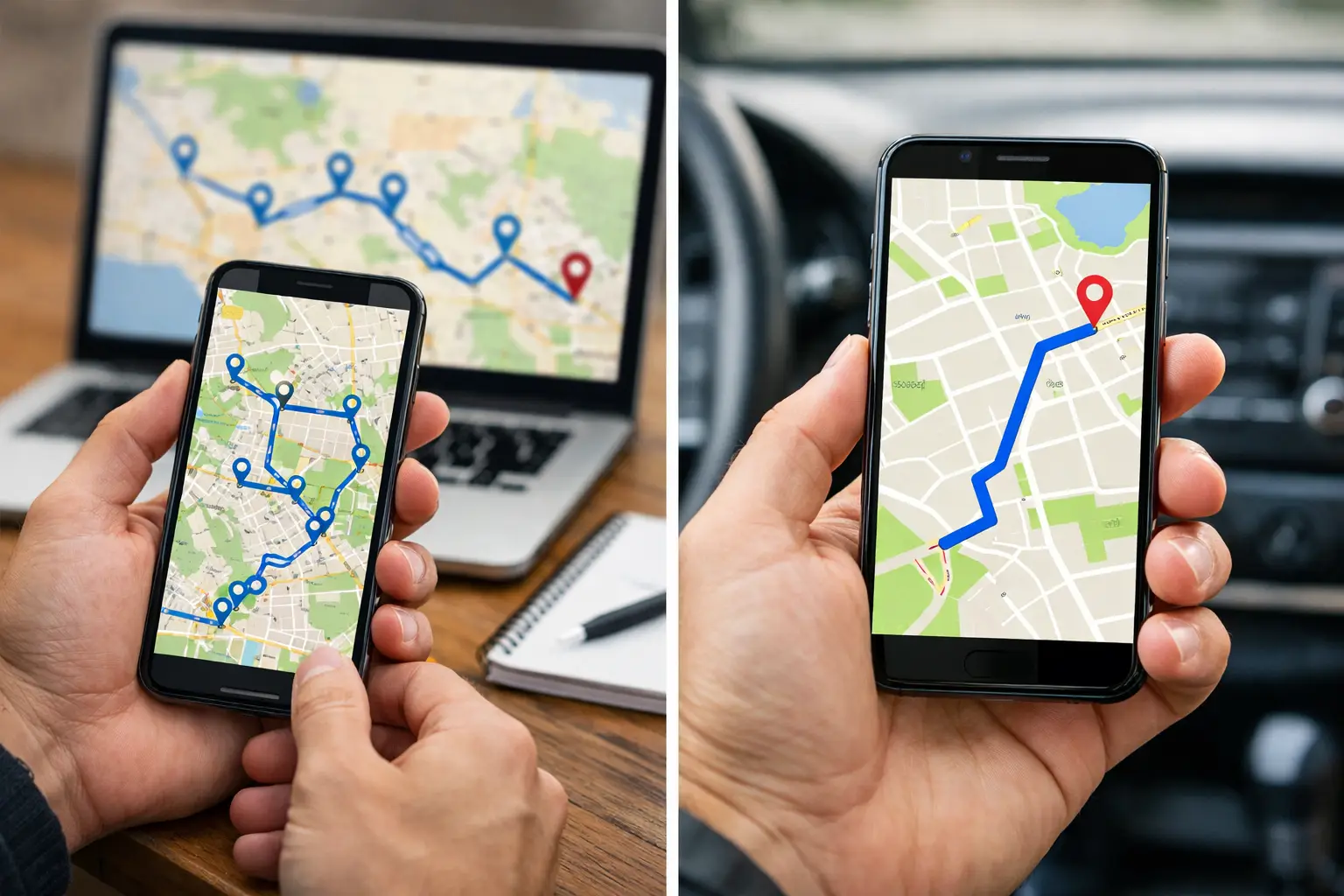
That is the real question here: are you navigating, or are you operating a route? Those are not the same job. One tool is built to get a person from point A to point B. The other is built to help working drivers and teams crush a full day of stops with less manual effort.
Route planner vs Google Maps for multi-stop work
Google Maps is one of the most familiar navigation tools in the world, and that matters. It is fast to open, easy to search, and reliable for turn-by-turn directions. If you need to visit a few places and already know the best order, it works well.
But once your day involves multiple deliveries, appointments, service calls, or sales visits, the limits start showing up. Google Maps can help you drive a route. It does not really optimize a route the way a dedicated route planner does.
That difference sounds small until you are the one dragging stops around on a screen, guessing the best sequence, and watching the clock while your schedule slips. A route planner is designed to solve the order of stops for you, often using traffic, time windows, driver constraints, and business logic that general navigation apps were not built around.
What Google Maps does well
Google Maps earns its popularity. For single-destination trips or a small number of stops, it is convenient and familiar. Most drivers already know how to use it, and that means almost no learning curve.
It is also strong for live navigation. Traffic awareness, rerouting, and local search are all useful in the moment. If a technician is heading to one job or a salesperson is driving to one meeting, Google Maps gets the job done without friction.
For casual users, that simplicity is the point. You type in an address, start driving, and move on. No setup, no route rules, no operational layer.
That is exactly why it starts to break down for delivery drivers, field reps, couriers, and dispatchers. Their problem is not just how to drive. Their problem is how to organize an entire day efficiently.
Where Google Maps falls short
The biggest weakness is optimization. Google Maps lets you add multiple stops, but it is not built to aggressively optimize a complex route for the best sequence at scale. If you have a handful of stops, maybe that is manageable. If you have dozens, manual sorting becomes a time drain.
That wasted planning time is only part of the cost. When stop order is off, miles go up. Fuel spend goes up. Drivers spend more time in traffic or backtracking across town. A route that looked fine on a map can turn into a very expensive day.
There is also the issue of operational control. If you manage a team, Google Maps does not give you much help with assigning routes, coordinating drivers, adjusting workloads, or keeping everyone aligned from dispatch to completion. It is a navigation product first, not a route operations platform.
And then there is scale. Once you are dealing with many stops, recurring territories, proof of delivery, or dispatcher-to-driver handoff, trying to run everything through Google Maps starts to feel like building a business workflow out of a consumer tool.
What a route planner is built to do
A dedicated route planner is made for one thing: helping you complete more stops with less waste. That usually starts with automatic stop optimization, but the real value is broader.
A good route planner helps drivers sequence stops faster, reduce total mileage, avoid unnecessary zigzags, and adapt to real-world constraints. It is not just giving directions. It is making the whole route smarter before the first turn even happens.
For individual drivers, that can mean finishing earlier, fitting in more jobs, or cutting fuel costs enough to protect margins. For teams, it can mean balanced assignments, better dispatch visibility, and fewer calls asking, “Who is taking this stop?”
This is where a platform like RoadWarrior fits naturally. It is built for professionals handling multi-stop routes, whether that is a solo driver running daily deliveries or a team coordinating hundreds of stops. The value is simple and measurable: save time, reduce miles, and make the workday easier to execute.
Route planner vs Google Maps on real business outcomes
The cleanest way to compare these tools is not by features alone. It is by outcomes.
If you use Google Maps for a 20-stop day, you may spend time arranging stops manually, second-guessing the order, and dealing with avoidable drive time. Even if each mistake only adds a few minutes, those minutes stack up. Across a week, that can mean hours lost.
With a route planner, optimization handles the stop order for you. That can shorten the route, reduce fuel use, and lower the mental load on the driver. Instead of playing dispatcher on your phone, you can focus on getting the work done.
For owner-operators and small businesses, that difference often hits the bottom line directly. Fewer miles and faster routes mean lower costs. More completed stops can also mean more revenue capacity without adding drivers.
For managers, the comparison shifts again. Google Maps may still help a driver navigate, but it does not solve route distribution, team coordination, or route updates in a structured way. A route planner built for teams can.
Which tool is better for delivery drivers and field teams?
It depends on the job.
If you are handling one destination at a time, or only a few stops each day, Google Maps is often enough. It is simple, familiar, and effective for point-to-point navigation.
If your day is built around multi-stop execution, a route planner is the better fit. That is especially true for last-mile delivery, field service, sales routing, courier work, and any business where route quality affects margins.
There is a practical threshold where free and familiar stops being efficient. Once route planning starts taking real time, once drivers are doubling back, or once dispatch is juggling assignments manually, the hidden cost of using the wrong tool becomes obvious.
The same goes for teams. Google Maps is helpful at the driver level, but it is not designed to run coordinated daily operations. A route planner gives structure where a navigation app gives directions.
The trade-off most buyers should think about
The biggest advantage Google Maps has is familiarity. Almost everyone already uses it, and that lowers resistance. A dedicated route planner adds another layer, and some businesses hesitate because they assume that means more complexity.
In practice, the right route planner should remove complexity, not create it. The whole point is to cut the manual planning work that slows drivers and dispatchers down.
There is also a cost question. Google Maps feels free, while route planners are paid tools. But “free” gets expensive if your team is losing time every day, driving extra miles, and squeezing fewer stops into the same shift. For route-based businesses, the better comparison is not subscription cost versus zero. It is software cost versus operational waste.
That is why businesses that rely on routes every day often move past the basic-tool mindset. They need something that supports how they actually work, not just how they get from one address to the next.
So, should you choose a route planner or Google Maps?
Choose Google Maps if navigation is your main need and your route is simple. It is a strong turn-by-turn tool, and for light use, that is enough.
Choose a route planner if your schedule includes multiple stops, tight timing, recurring routes, or team coordination. That is where optimization pays for itself. You save planning time, cut down on miles, and create a smoother day for drivers and dispatchers alike.
The route planner vs Google Maps question is really about whether you need directions or an advantage. If your work depends on efficient routing, the right tool does more than guide you - it helps you finish stronger, spend less, and get home earlier.
When your route is your business, planning it well is not a nice extra. It is how you protect time, profit, and sanity every single day.
Tags