

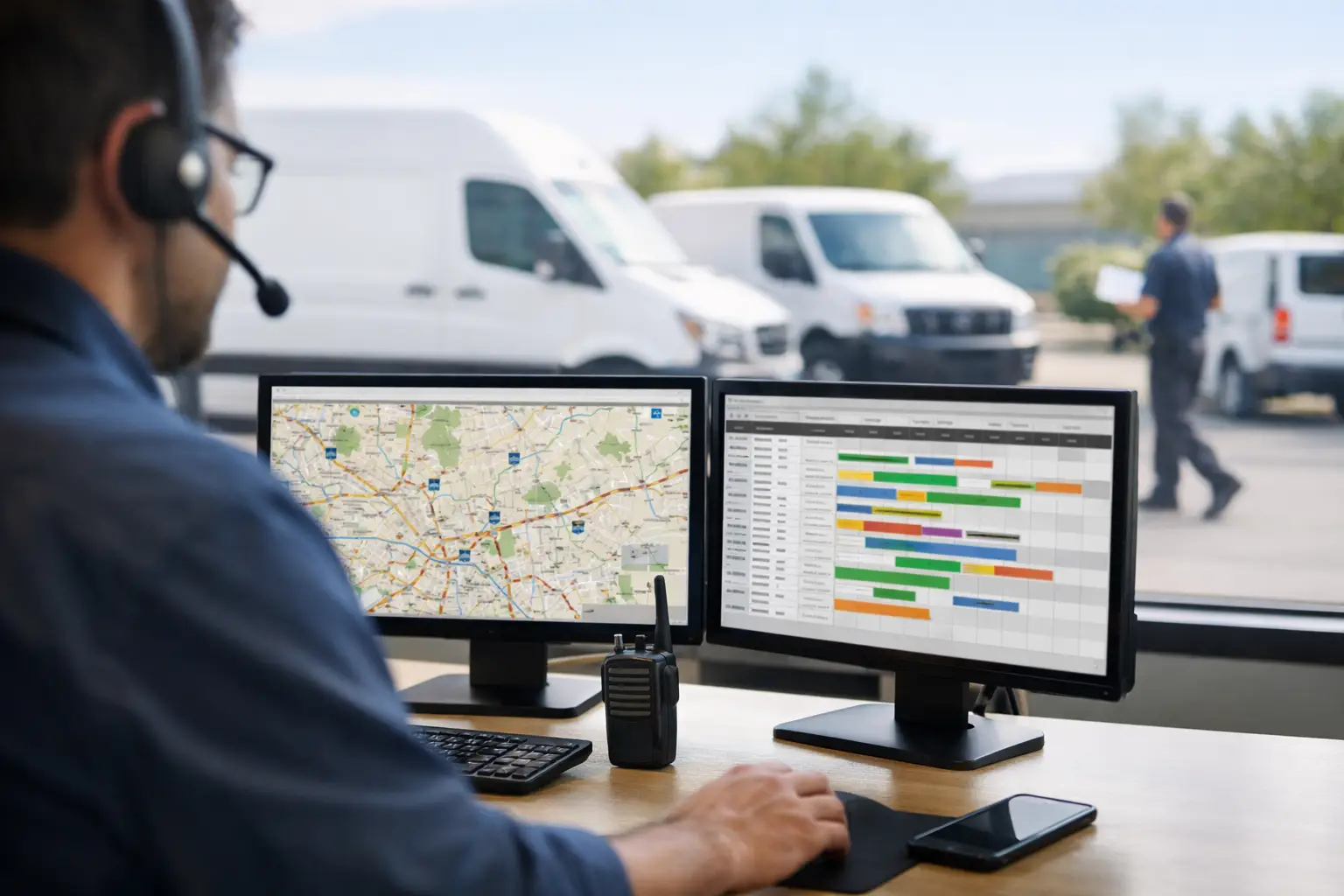
Small Fleet Dispatch Guide for Faster Days
RoadWarrior Team
The morning falls apart long before the first driver misses a turn. It starts when jobs arrive in different formats, drivers get assigned by habit, and someone tries to build a 25-stop day inside a general-purpose map. This small fleet dispatch guide is built for the teams that need to get jobs out the door, cut unnecessary miles, and keep customers informed without hiring a full-time logistics department.
For a small delivery, service, or sales fleet, dispatch is not an admin task. It is the operating system for the day. A clean process helps drivers complete more work with less backtracking, gives dispatchers fewer fires to put out, and makes fuel spend easier to control.
Start With a Dispatch Rulebook
Small fleets often run on tribal knowledge. One dispatcher knows which driver handles the north side of town, one driver remembers the apartment access codes, and the owner can spot a bad route at a glance. That works until someone calls out, volume jumps, or a new driver joins the team.
Write down the rules that determine how work gets assigned. Keep it practical: service windows, driver skills or certifications, vehicle capacity, territory preferences, priority customers, and proof-of-delivery requirements. The goal is not paperwork for its own sake. It is making decisions repeatable when the day gets busy.
Every job should enter dispatch with the same core details: a validated address, contact name and phone number, promised time window, service notes, estimated job duration, and any special handling instructions. If drivers have to call dispatch to ask for a gate code or confirm whether a customer needs a signature, the route may look optimized on a screen but it will not perform that way on the road.
Build Routes Around Constraints, Not Gut Feelings
Assigning the closest available driver can feel efficient. It is often the fastest way to create a messy afternoon. The closest driver may have a full vehicle, a tighter appointment window later, or a route that will force them across town twice.
Instead, build the route around the constraints that actually affect execution. Start with fixed appointments and high-priority stops. Then account for vehicle capacity, driver start locations, job length, and territory. After that, optimize the remaining stops for travel time and mileage.
This is where a dedicated route planner earns its place. Google Maps can navigate a driver from one stop to another, but it is not designed to organize a full multi-stop workload with operational rules attached. A tool such as RoadWarrior Flex can help a dispatcher organize, optimize, and send routes to drivers while keeping the day easier to manage.
Optimization is not always about the shortest route. A route that saves two miles but causes a technician to arrive 20 minutes before a customer is ready is not better. Dispatchers need to weigh time windows, service commitments, and driver workload alongside distance. The right answer depends on what costs your business more: a few extra miles, a missed delivery window, overtime, or an unhappy customer.
Use Territories Carefully
Territories can reduce confusion and help drivers learn their areas, but they should not become rigid walls. If one driver has eight jobs in a compact area and another has three scattered stops nearby, rebalancing may prevent one driver from running late while another finishes early.
Set territories as a default, then allow controlled exceptions. That gives you consistency without wasting capacity. Review territory boundaries every few months, especially if customer density or service areas have changed.
Give Drivers a Route They Can Execute
A well-built route can still fail during handoff. Drivers need more than an ordered list of addresses. They need a clear start time, the expected stop sequence, customer notes, and a simple way to flag a problem without stepping out of the workflow.
Send final routes before drivers leave whenever possible. Last-minute changes are sometimes unavoidable, but they should be the exception. A driver who receives three different text messages, a revised spreadsheet, and a new stop by phone has no reliable source of truth.
Set one communication standard for route changes. For example, drivers receive updates through the dispatch platform, acknowledge urgent changes, and use a defined status for each completed, delayed, or failed stop. That single habit eliminates a surprising amount of status-chasing.
Driver input matters here. Ask where route plans break down in real conditions. Common issues include buildings with difficult parking, pickup locations that are not ready on time, gated communities, and stops that consistently take longer than expected. Add those details to job records so the whole team benefits from what one driver learns.
Run Exceptions With a Simple Playbook
Traffic, customer no-shows, vehicle issues, and last-minute jobs are part of field work. The goal is not to pretend they will disappear. The goal is to keep one disruption from taking down the whole schedule.
Create a short decision path for the exceptions you see most often. When a customer is unavailable, should the driver wait, call, skip, or return later? When a priority job arrives midday, who decides which route changes? When a driver is running behind, when does dispatch notify affected customers?
Use time-based triggers instead of waiting for frustration to build. If a driver is projected to miss a time window by 15 minutes, dispatch should know early enough to move work, contact the customer, or adjust the sequence. If a stop takes 30 minutes longer than planned, do not assume the rest of the route will somehow recover.
Not every delayed job needs to be reassigned. Reassigning creates its own mileage and confusion. But when one route is overloaded and another driver has nearby capacity, a quick adjustment can protect the day. Good dispatch is active without becoming frantic.
Measure the Numbers That Show Dispatch Quality
You do not need a wall of dashboards to improve a small fleet. Track a few numbers consistently, then use them to fix decisions upstream.
Start with planned versus actual miles, planned versus actual route time, on-time arrival rate, stops completed per driver, and failed or reattempted stops. Add fuel cost per route if you can capture it reliably. These numbers reveal whether the problem is route design, bad job data, unrealistic service estimates, or something happening in the field.
Watch patterns rather than judging one difficult day. A driver who regularly travels more miles than planned may be encountering poor address data or an unrealistic territory. A route that repeatedly runs late may need fewer stops, better time estimates, or a different start time.
Avoid using metrics only to pressure drivers. The best use of data is operational: remove repeat problems, set achievable workloads, and recognize the people who help the team improve. Drivers are more likely to follow a new process when they can see it helps them avoid traffic, finish predictably, and get home earlier.
Small Fleet Dispatch Guide: Build for Tomorrow, Too
The dispatch process that works for two drivers can break at six if it depends on one person remembering every detail. Build simple systems while the fleet is still small: standardized job data, clear assignment rules, route optimization, one channel for updates, and a documented exception process.
You do not need to automate every decision. Human judgment is still valuable for VIP customers, unusual jobs, and local knowledge. But routine work should not depend on manual route sorting or memory. Save your attention for the calls that actually need it.
Start tomorrow with one improvement: clean up the job details before routes are built, then compare planned miles with actual miles at the end of the day. That is enough to expose wasted movement and give your team a practical next move toward faster routes.
Tags