

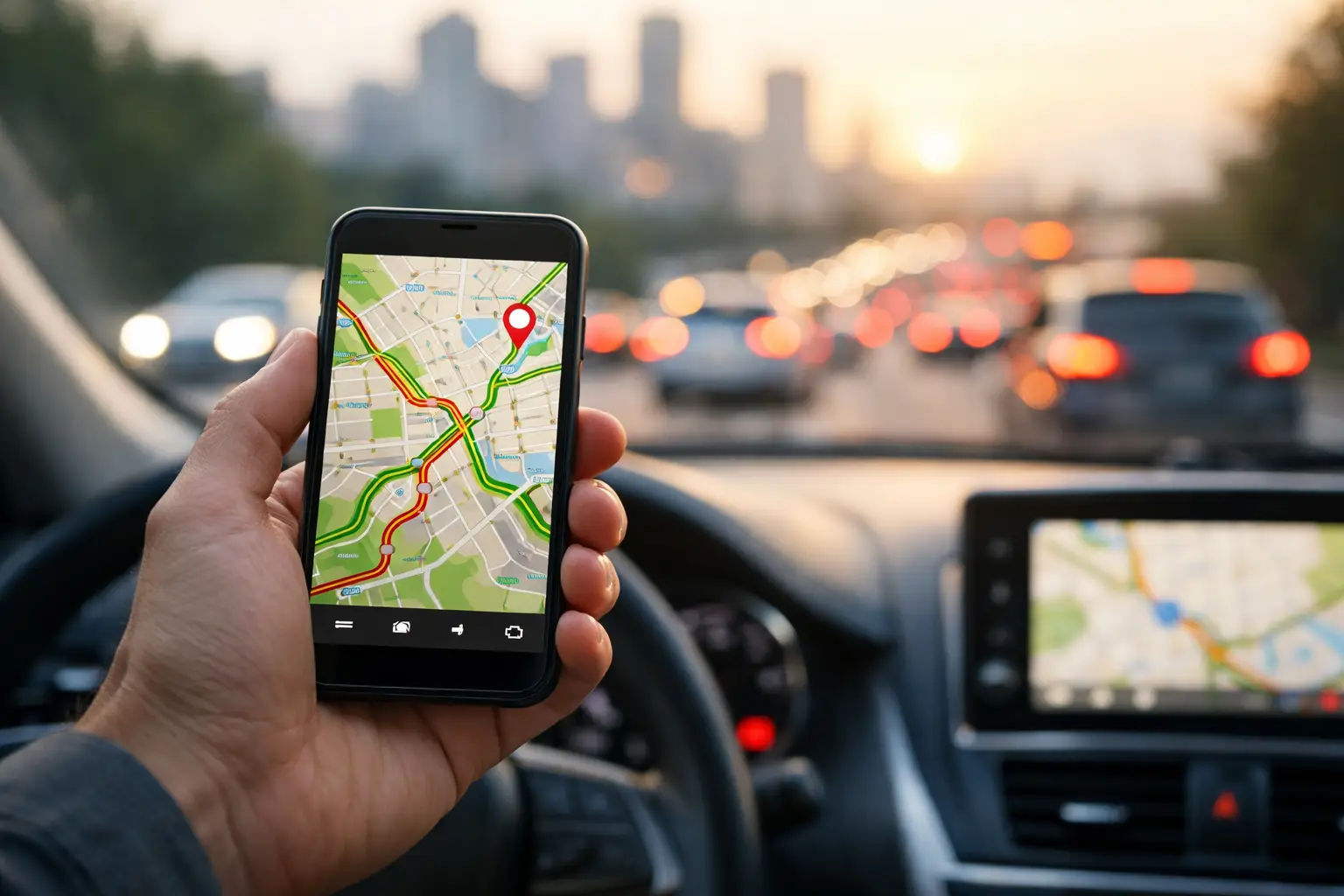
What a Traffic Aware Route Planning App Does
RoadWarrior Team
A late start can wreck a full day of deliveries, service calls, or sales visits. One backup at a freeway interchange turns into missed appointment windows, frustrated customers, overtime, and more fuel burned in stop-and-go traffic. A traffic aware route planning app gives professional drivers a better way to respond: build an efficient multi-stop route, account for current road conditions, and keep moving when the day refuses to go exactly as planned.
For drivers with five, 20, or hundreds of stops, traffic awareness is not a nice extra. It is part of protecting the margin on every route.
Traffic-aware routing is more than GPS navigation
Standard GPS navigation is excellent at getting from Point A to Point B. But most route-based work does not happen one stop at a time. Drivers need to visit multiple addresses, meet delivery windows, avoid unnecessary backtracking, account for service times, and finish the route without spending an hour reorganizing stops in a parking lot.
A traffic-aware route planning app starts with the bigger operational question: what is the most efficient order for all these stops? It then pairs that optimized sequence with navigation that can respond to traffic conditions on the road.
That distinction matters. A map app may identify a faster detour after traffic appears. Route planning software helps reduce wasted miles before the driver leaves, then helps the driver navigate the real-world conditions that develop throughout the day. Together, those capabilities can mean fewer miles, less idle time, and a more predictable finish time.
How traffic changes the cost of a route
Traffic does more than delay the next stop. It disrupts the rest of the schedule. A 15-minute slowdown early in the morning can make a driver miss a customer who is only available until noon. That can force a repeat visit, add miles, and turn one small delay into a costly exception.
For an independent courier, that can mean fewer completed jobs. For a field service business, it can mean lower technician utilization and a customer waiting longer for help. For a dispatcher managing several drivers, it can create a chain reaction of status calls, reassigned work, and missed expectations.
The financial effect is straightforward. More time in traffic means more labor cost, more fuel consumption, more vehicle wear, and less capacity for revenue-producing work. The driver may be working just as hard, but the route is doing less.
A good route planner cannot eliminate traffic. No app can clear an accident or speed up a crowded downtown street. What it can do is reduce avoidable waste, make the original route smarter, and give drivers useful navigation when conditions change.
What to look for in a traffic aware route planning app
The right tool should make a driver faster without creating more setup work. If adding stops, adjusting priorities, or sending a route to navigation takes too long, the software becomes another task on an already busy day.
Multi-stop optimization comes first
Traffic-aware navigation matters, but it works best when the stop sequence is already efficient. Look for a planner that can optimize a full list of destinations rather than asking the driver to manually decide what comes next.
This is especially valuable when stops are spread across a metro area, when addresses are added throughout the day, or when a route includes a mix of deliveries, appointments, and pickups. An optimized route helps prevent the obvious waste: crossing town, returning to the same area later, and burning fuel because stops were entered in the order they arrived.
Live traffic should support real driving decisions
A useful app should account for traffic as drivers navigate, not treat travel times as static estimates. That helps drivers see a more realistic arrival time and take a better path when congestion, construction, or an incident affects the road ahead.
There is a trade-off here. Constantly rerouting an entire multi-stop day can create confusion, especially when customers have scheduled windows or a driver has loaded a vehicle in a specific order. The best approach is usually to optimize the route, use traffic-aware navigation to handle road-level changes, and make larger sequence changes only when there is a clear operational benefit.
Route constraints need to be easy to manage
Not every stop has equal priority. A medical delivery may need to happen before noon. A technician may need extra time at a complex job. A pickup might need to happen before a delivery. A route planner should let drivers and dispatchers account for these real-world constraints instead of producing a mathematically short route that fails in practice.
The more complex the day, the more important this becomes. A five-stop route may be easy to adjust manually. A 50-stop route with time windows and priority jobs is not. That is where planning software earns its place in the workflow.
Drivers and dispatchers need the same plan
For teams, route planning is not just about finding a faster drive. It is about coordination. Dispatchers need to assign work, drivers need clear routes, and everyone needs a reliable view of what has been completed or delayed.
A shared platform reduces the phone calls and text messages that eat into the day. If a driver hits traffic or a customer changes an appointment, the team can make a decision using the same route information instead of guessing from separate spreadsheets, paper lists, and map pins.
When traffic-aware planning delivers the biggest payoff
The benefit is strongest for professionals whose day depends on completing multiple stops efficiently. A delivery driver can group nearby orders and use traffic-aware navigation to avoid a congested corridor. A field sales rep can spend less time circling back across a territory and more time in customer conversations.
Service technicians can plan appointments around availability windows while minimizing deadhead miles between jobs. Landscapers, contractors, and mobile care providers can protect tightly scheduled days where one delayed visit affects every customer after it.
It also pays off when routes are frequently changing. Same-day orders, cancellations, urgent repairs, and last-minute pickups all make manual planning harder. A route planner gives the driver a practical way to add, reorder, and navigate stops without rebuilding the entire day from scratch.
A smarter daily workflow for drivers
The fastest route starts before the vehicle leaves the lot. Add all known stops at the beginning of the day, include priority details and appointment windows, then optimize the route based on the actual work that must be completed. Review the sequence before loading the vehicle, particularly if packages or equipment need to be accessed in stop order.
Once on the road, use traffic-aware navigation for each leg instead of relying on a fixed travel-time estimate created hours earlier. If a major delay occurs, decide whether it affects only the next turn or whether it threatens a time-sensitive commitment later in the route.
That decision is important. Drivers should not chase every one-minute ETA improvement. A detour can add complexity, increase risk, or create problems with a customer appointment. But when traffic creates a meaningful delay, an app that shows the route clearly makes it easier to act quickly and keep the day under control.
At the end of the day, compare planned and actual results. Look at total miles, time on route, stops completed, and recurring trouble areas. If a certain service zone creates regular delays, schedule it differently. If drivers repeatedly make exceptions to the optimized route, find out why. The best route plan improves over time because the operation learns from the road.
Why general map apps fall short for multi-stop work
Free map tools are useful, but they were not built to run a delivery operation or coordinate a field team. They generally require drivers to enter destinations one at a time or manually arrange a list of stops. That puts route optimization back on the driver, even when the driver should be focused on safe, efficient execution.
For a couple of stops, that may be fine. For a professional route with dozens of destinations, the manual effort adds up quickly. It also makes consistency harder. One driver may plan efficiently while another follows the order that jobs appeared in a text thread.
A dedicated platform such as RoadWarrior helps turn a stop list into a practical work plan, with multi-stop optimization, traffic-aware navigation, and team coordination built around the needs of route-based professionals. The goal is not more software. It is a route that is easier to run and easier to improve.
Traffic will always be part of the job. Your route does not have to be at its mercy. Build the smart sequence, stay aware of the road ahead, and give every mile a reason to be on your day.
Tags