

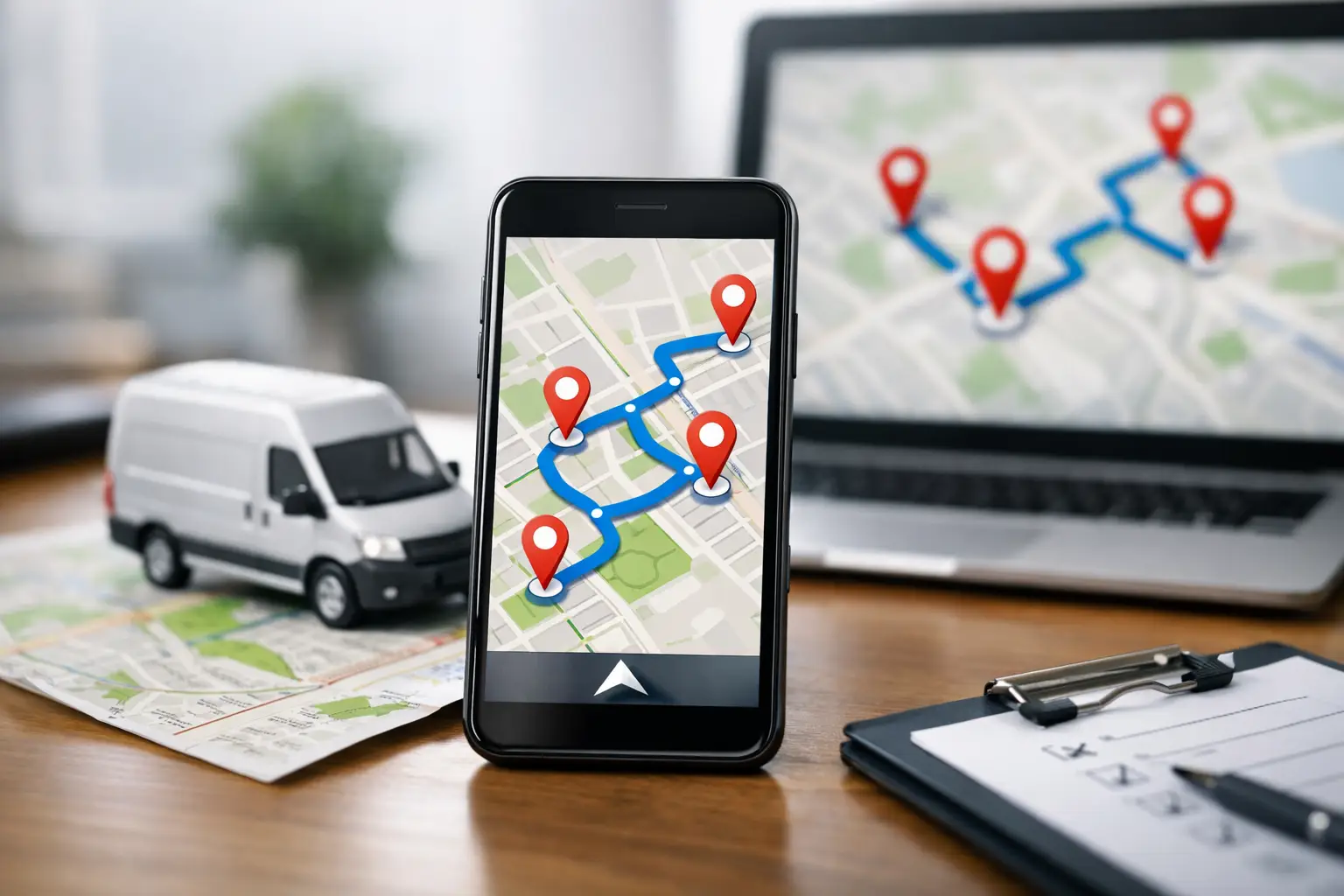
Can Google Maps Optimize Stop Order?
RoadWarrior Team
If you run deliveries, sales calls, or service appointments, this question shows up fast: can Google Maps optimize stop order? The short answer is not really - at least not in the way working drivers and route-based teams usually mean it. Google Maps can help you build a route with multiple stops, but it does not function like a true route optimization tool built to save the most time, miles, and fuel across a busy day.
That distinction matters when your route is your workday. If you are hitting four stops, manual reordering might be fine. If you are managing 20, 50, or 100 stops, guessing the best sequence inside a general navigation app can cost real money.
Can Google Maps optimize stop order for multi-stop routes?
Google Maps lets you add multiple destinations and navigate them in order. In some cases, it may suggest a different sequence than the one you entered, depending on your device, trip type, and how the route is built. But that is not the same as advanced optimization.
For professional drivers, optimization usually means the system evaluates all stops and calculates the most efficient order based on travel time, distance, traffic, and route logic. It should do that quickly and consistently, without forcing the driver or dispatcher to drag stops around one by one.
Google Maps is excellent at turn-by-turn navigation. It is familiar, easy to use, and strong for getting from point A to point B. Where it starts to struggle is the moment your day turns into point A through point Z.
What Google Maps actually does well
For light route planning, Google Maps can still be useful. If you are a real estate agent showing a handful of homes or a field rep visiting a few accounts, you can plug in stops and get on the road quickly. It is especially handy when speed matters more than route precision.
It also handles live traffic well for navigation. That means once you are driving, it can help reroute around slowdowns and road closures. For a lot of casual users, that is enough.
The problem is that navigation and optimization are not the same job. Navigation tells you how to get to the next stop. Optimization decides what the next stop should be.
Where Google Maps falls short
The biggest gap is scale. Google Maps was not built around the needs of delivery drivers, couriers, service businesses, or dispatch teams trying to crush a full day of stops. When your route gets dense, every extra mile adds up.
Manual stop sequencing is the first pain point. If you have to reorder stops by hand, you are spending time before the day even starts. You may also miss a better route because the fastest sequence is not always obvious on a map.
The second issue is business logic. Real routes are rarely just a simple circle on a map. You may need to prioritize time-sensitive customers, work within service windows, start and end at different locations, or coordinate routes across drivers. A basic consumer map app is not designed for that level of control.
Then there is consistency. When a dispatcher builds routes for a team, they need predictable planning, not just decent directions. A driver in the field needs to know the route was arranged to reduce backtracking and wasted windshield time. That is hard to guarantee when optimization is limited or manual.
Can Google Maps optimize stop order better than doing it yourself?
Sometimes, yes. If your alternative is eyeballing pins and hoping for the best, Google Maps may help you improve a simple route. But that is a pretty low bar.
For professionals, the better comparison is not Google Maps versus no planning. It is Google Maps versus route optimization software. That is where the difference gets obvious.
A route optimization platform is designed to evaluate many possible stop combinations in seconds. It can build smarter routes across dozens or even hundreds of stops, taking into account actual driving conditions and route constraints. That means less zigzagging, fewer repeated streets, and fewer end-of-day surprises.
If your route affects payroll, fuel, on-time performance, or customer satisfaction, small inefficiencies stop being small.
When Google Maps is enough
There are cases where sticking with Google Maps makes sense. If you run a low-volume route, your stops are close together, and your schedule changes constantly, the convenience may outweigh the downside. The same is true if route planning is only a small part of your job.
For example, a consultant heading to three meetings in one city probably does not need a dedicated optimizer. Neither does someone making occasional personal errands. In those situations, free and familiar wins.
But once routing becomes a daily operational task, the math changes. Saving even 10 to 15 minutes a day adds up over a week. Reducing a few unnecessary miles per route lowers fuel spend, vehicle wear, and driver fatigue. Those gains are not flashy, but they are real.
When you need true stop order optimization
If you are a courier, delivery driver, technician, sales rep, or small business owner with a packed route, true optimization starts paying for itself quickly. The more stops you have, the more expensive manual planning becomes.
This is especially true for teams. A dispatcher is not just trying to map one route. They are balancing workloads, assigning jobs, and keeping drivers moving. One inefficient sequence can delay the whole day. A planning tool that organizes routes fast and accurately gives the entire operation more control.
This is where tools built for route-based work stand apart. They are not trying to be everything for everyone. They are built to save time on the road, cut miles, and make daily execution easier.
RoadWarrior, for example, is designed for exactly this use case. Instead of relying on basic multi-stop navigation, drivers and teams can optimize routes at scale, account for real-world constraints, and spend less time rearranging stops manually. That means fewer planning headaches and more productive hours in the field.
The trade-off: free convenience vs. operational efficiency
The reason people keep asking whether Google Maps can optimize stop order is simple. It is already on the phone. It is familiar. It feels close enough.
And for some users, close enough is fine. There is no reason to overbuy software for a route that does not need it.
But if route order affects your revenue, your labor costs, or how many jobs you can finish in a day, then close enough can quietly drag down performance. A route that looks reasonable may still include unnecessary mileage, avoidable backtracking, or a poor stop sequence that burns time all afternoon.
That is the real trade-off. Google Maps offers convenience. A route optimization tool offers efficiency and control.
How to decide what to use
A good test is to look at your current route pain. Are you spending too much time building routes in the morning? Are drivers doubling back? Are fuel costs creeping up? Are customers waiting longer than they should because the stop order was not planned well?
If the answer is yes, then the issue is probably not navigation. It is optimization.
Another test is stop count. The more stops you run per day, the less practical manual sequencing becomes. Complexity grows quickly. Ten stops is not just twice as hard as five. Once you factor in traffic, timing, and geography, it becomes much harder to spot the best order on your own.
Also look at who is doing the planning. If every driver is building their own route differently, you get uneven results. If one dispatcher is stuck managing route order by hand, that is time they are not spending on higher-value work.
What most professionals actually need
Most route-based businesses do not just need directions. They need a faster way to organize the day. They need routes that make sense before the first engine starts. They need drivers who can stay focused on execution instead of route math.
That is why the question is not only can Google Maps optimize stop order. It is whether it can optimize stop order well enough for the way you work.
For casual use, maybe. For professional use, usually not.
If your route is simple, use the simple tool. If your route is your business, use a tool built for the job. The right stop order is not a nice extra - it is one of the easiest ways to save time, cut gas, and get home earlier.
Tags