

Delivery Routing Versus Manual Mapping for Drivers
RoadWarrior Team
A driver with 32 deliveries does not lose time all at once. It disappears in small pieces: dragging pins into order, backtracking across town, missing a time window, and recalculating after traffic changes the day. That is the real difference in delivery routing versus manual mapping. One approach asks you to build a workable route stop by stop. The other is built to find a more efficient order before the wheels start moving.
For a driver handling three stops, manual mapping may be fine. For a courier, field sales rep, service technician, or dispatcher managing a full day of stops, it can become expensive fast. More miles mean more fuel. More planning means less time serving customers. And a route that looks reasonable on a map can still create a frustrating, late-running day.
Delivery Routing Versus Manual Mapping: The Core Difference
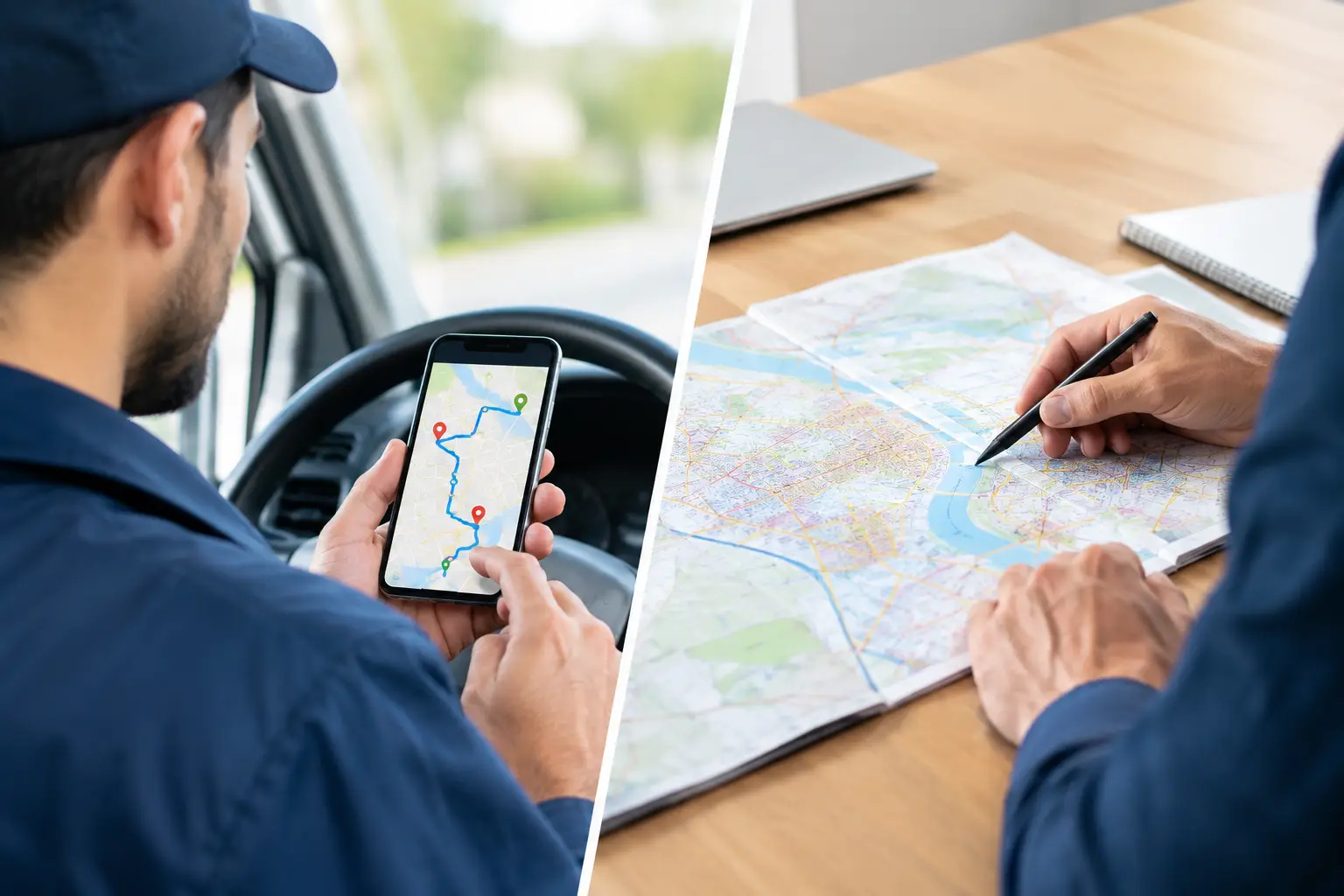
Manual mapping means entering addresses into a general navigation app, checking the map, and deciding the order yourself. You may use a spreadsheet, a paper list, or pins saved in a map. It is familiar, low-cost, and can work for simple routes where stop order barely matters.
Delivery routing software starts from a different question: what is the most practical order to complete every stop? It evaluates the route as a whole, not one destination at a time. Depending on the tool and settings, it can account for travel time, traffic, road networks, start and end locations, service windows, driver constraints, and priority stops.
The distinction matters because a multi-stop route is not just a list of addresses. It is a daily operating plan. When the stop sequence is wrong, drivers pay for it in mileage, stress, and lost time.
Where Manual Mapping Starts to Break Down
Manual mapping is not a bad process. It is just limited by how much a person can reasonably evaluate while trying to get out the door. A driver can look at eight stops and spot an obvious loop. Looking at 40, 80, or 150 stops is different.
It Optimizes One Decision at a Time
A standard navigation app is excellent at getting from Point A to Point B. The trouble begins when there are dozens of Point Bs. Manually choosing the next stop may feel logical, but the best next stop is not always the one that appears closest on the screen.
A nearby stop might lead directly into traffic, pull the driver away from a cluster of later appointments, or cause a long return trip at the end of the day. Those small choices compound. By the final stop, a route can contain miles that never needed to be driven.
It Consumes Productive Time Before the Route Begins
Drivers and dispatchers often build routes before the day starts, during a break, or while customers are waiting for an answer. That planning time has a cost. If a dispatcher spends 30 minutes manually arranging routes for four drivers each morning, that is 10 hours every week spent on sequencing addresses.
The bigger issue is consistency. Manual route planning depends on who is available, how experienced they are, and whether they have time to double-check every address. A repeatable routing process gives teams a better baseline, even when the person planning the route changes.
It Makes Midday Changes Harder
A canceled job, an urgent pickup, a customer who requests a later arrival, or an accident on the highway can disrupt a carefully arranged manual route. Drivers then have to decide what to skip, what to move, and where to go next while staying focused on the road.
For a single driver with a flexible schedule, that may be manageable. For a team with customer commitments, it creates coordination problems. Dispatchers need a clear view of what changed, and drivers need updated direction without a chain of calls and texts.
What Delivery Routing Does Better
Route optimization is designed to reduce the work between receiving a list of stops and running the route. It gives drivers a planned sequence they can follow, then lets navigation handle the turn-by-turn portion of the job.
The result is not magic. A routing tool cannot remove a road closure or make a customer available when they are not home. What it can do is give the day a stronger starting point and make route decisions based on the full stop list rather than gut instinct.
Fewer Miles Can Mean Lower Operating Costs
Mileage affects more than fuel. It contributes to vehicle wear, tire replacement, maintenance, and the amount of time a driver spends behind the wheel. If a route saves even a modest number of miles per day, the total can add up across a week, month, or fleet.
The exact savings depend on geography. Dense city routes may gain more from better stop sequencing, while rural routes may be constrained by long distances between stops. Either way, planning the stops as a connected route gives you a better chance of avoiding unnecessary crisscrossing.
Faster Planning Creates More Capacity
Time saved in route planning can be used to add stops, handle exceptions, confirm customer details, or simply start the route earlier. For independent drivers, that can mean finishing more work without extending the day. For service businesses, it can mean scheduling another appointment without adding another vehicle.
RoadWarrior, for example, is built for multi-stop work and can optimize up to 500 stops per day. That matters when the route is too large to plan reliably by hand but the team still needs a tool drivers can use without a long training process.
Better Coordination Keeps Teams Moving
Manual mapping can work when one person owns every route decision. It becomes harder when a dispatcher assigns work and multiple drivers execute it. A team needs more than a map. It needs shared route information, clear assignments, and a practical way to adjust when the day changes.
This is where delivery routing platforms earn their place. Dispatch can create and assign routes, while drivers receive a usable stop order and navigation guidance. The goal is not to watch drivers for the sake of it. The goal is to prevent confusion, duplicate work, and avoidable calls when everyone is trying to keep deliveries on schedule.
When Manual Mapping Is Still the Right Choice
There are situations where manual mapping is enough. If you make a handful of stops each week, know the territory well, and rarely deal with time-sensitive appointments, a basic map may be all you need. There is no reason to overcomplicate a simple route.
Manual planning can also make sense when every stop must happen in a fixed order, such as a route with strict appointment times that leave little flexibility. Even then, routing software can still help organize the travel between fixed commitments.
The key question is not whether a map can get you to each address. It can. Ask whether your current process consistently gets you through the full route with the fewest practical miles and the least planning effort.
How to Decide Which Approach Fits Your Operation
Start with the size and frequency of your routes. A five-stop route once a month is very different from 25 stops every weekday. Next, look at the cost of mistakes. If an inefficient route only adds a few minutes occasionally, manual mapping may be acceptable. If it causes late deliveries, overtime, missed service windows, or extra fuel spend, the process needs more support.
Also consider who plans the routes. Owner-operators may feel the pain as lost personal time. Dispatchers may see it as a daily administrative burden. Fleet managers may see it through mileage, late jobs, and driver frustration. Different roles experience the same routing problem differently, but the operational cost is still real.
A useful test is to track one week of manual routing. Record planning time, total miles, late stops, route changes, and the number of driver-dispatcher calls needed to keep work moving. That gives you a practical benchmark instead of relying on guesses.
A Better Route Is More Than a Faster Map
The best choice in delivery routing versus manual mapping depends on route complexity, volume, and how much control your operation needs. But once multi-stop work becomes a regular part of the business, manual planning often turns into a hidden tax on the day.
Your drivers already have enough to manage: customers, traffic, access instructions, parking, pickups, and proof of delivery. Give them a route built for the work, not a pile of addresses to untangle. Less backtracking and less planning can help your team crush their routes, protect margins, and get home with more of the day left.
Tags