

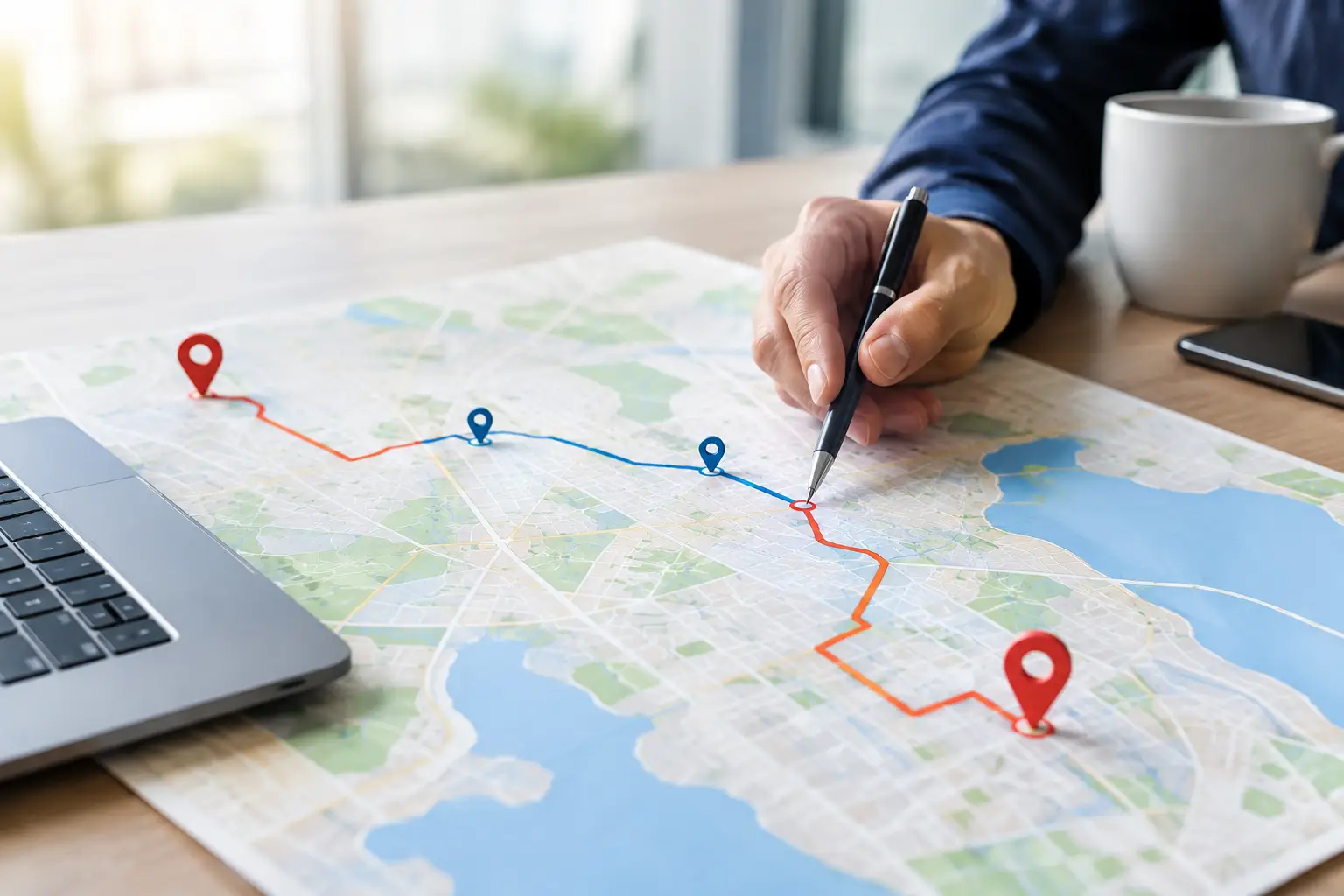
Route Optimization Versus Shortest Path: Key Differences
RoadWarrior Team
A route can look short on a map and still be a bad workday. If you have 20 deliveries, service calls, or sales appointments, visiting stops in the order they were added can mean backtracking across town, sitting in traffic, and burning fuel between jobs. That is the real difference in route optimization versus shortest path: one finds a good way from point A to point B, while the other builds the most efficient plan for an entire day of work.
For a driver with one destination, the shortest path may be all you need. For anyone handling multiple stops, it is rarely enough. The better question is not, “What is the shortest road to the next address?” It is, “What stop order helps me finish more work with fewer miles and less wasted time?”
What a shortest path actually solves
Shortest-path navigation is designed for a single trip between two points. Enter an origin and destination, and the navigation tool calculates a route based on distance, travel time, road rules, traffic conditions, or a combination of those inputs.
That is useful when you are driving from the warehouse to one customer or from a service call back to the office. It can also reroute you around a traffic incident during that individual trip. But it does not decide whether the customer you are heading to should have been your next stop in the first place.
Imagine a courier with stops on the north, east, and south sides of a city. A standard map can provide fast directions to each address one at a time. If the driver chooses the sequence manually, though, they may go north, then south, then back east. Every turn-by-turn segment may be efficient, but the day as a whole is not.
Shortest path is a navigation answer. It is not a multi-stop planning strategy.
Route optimization versus shortest path for multi-stop work
Route optimization evaluates the full set of stops before the route begins. Rather than treating every address as an isolated trip, it determines the order that best meets the goals and rules of the workday.
The goal is not always the fewest miles. A good route plan may prioritize the fastest completion time, lower fuel use, appointment windows, driver start locations, or a required final stop. For a team, it may also balance work across drivers and prevent two people from covering the same area.
This distinction matters because the number of possible stop sequences grows quickly. With five stops, a driver has 120 possible orders. With 10 stops, there are more than 3.6 million possible orders. No driver or dispatcher has time to compare all of those combinations before loading the vehicle.
Route optimization software does that planning work in seconds. It groups nearby stops, reduces unnecessary crossing and backtracking, and produces a route that is practical to drive. Then GPS navigation helps the driver execute each leg.
The route may not look like the obvious choice
A well-optimized route can feel counterintuitive at first. The nearest stop may not be first because visiting it now could force a long detour later. A route planner might send a driver to a slightly farther location first to keep the rest of the day moving in one direction.
That is why judging a multi-stop route by the first leg alone can be misleading. The route has to earn its value across every stop, not just the next turn.
The inputs that turn directions into an operational plan
A shortest-path tool typically needs an origin and destination. Route optimization works with a more complete picture of the day. The quality of the result depends on the details that matter to your operation.
For example, a field service technician may need to arrive at a commercial property between 10:00 a.m. and noon. A delivery driver may have a pickup that must happen before a drop-off. A sales rep may want to start from home, finish near the office, and avoid losing an hour in rush-hour traffic.
Route optimization can account for factors such as:
- Stop locations, service times, and delivery or appointment windows
- Start and end locations, including depots, homes, or designated return points
- Traffic patterns, road restrictions, and preferred arrival times
- Priority stops, pickups that must precede deliveries, and route capacity
- Driver assignments and territory boundaries for coordinated teams
Not every route needs every constraint. An independent driver with 12 flexible deliveries may simply want the fastest stop order. A dispatcher managing multiple technicians with time-sensitive appointments needs more control. The point is to choose a tool that reflects the work you actually do, not just the map on your phone.
When the shortest path is the right choice
There is no reason to overcomplicate a simple trip. If you have one destination, a shortest-path route is usually the right tool. It is also useful when a new urgent job appears in the middle of the day and you need immediate directions from your current location.
The same is true for a route with two or three stops that must happen in a fixed order. If the sequence cannot change because of appointment commitments, pickup dependencies, or customer instructions, optimization has limited room to improve the plan. Navigation should focus on getting you to the required next stop efficiently.
But once the stop list becomes flexible, manual planning starts to cost you. Even a handful of addresses spread across a metro area can create unnecessary miles if they are handled in the wrong order. The cost is not limited to fuel. It shows up in late arrivals, fewer completed jobs, driver fatigue, and the work that follows you home.
Traffic changes the plan, but it should not create chaos
Traffic is where drivers often confuse route planning with navigation. Real-time navigation can respond to a slowdown while you are already on the road. That is valuable, but it is reactive.
Route optimization starts earlier. It can factor expected travel times into the stop sequence so you are less likely to send a driver into a congested corridor at the worst possible time. If conditions change later, navigation can guide the driver around the immediate problem without forcing them to rebuild the full route manually.
For dispatchers, the practical challenge is knowing when to re-optimize. Do it when the disruption affects the entire day: a canceled job, a high-priority add-on, a vehicle issue, or an appointment that moves. Do not reshuffle the route every time traffic slows for five minutes. Constant route changes confuse drivers and can create more lost time than they save.
What better routing changes in your bottom line
An optimized route does more than create a cleaner map. It gives the business more control over the daily numbers that matter.
Fewer unnecessary miles can reduce fuel spending and vehicle wear. Better stop sequencing can make room for another delivery, customer visit, or service job without extending the shift. More reliable arrival times lead to fewer frustrated customers and fewer calls asking where the driver is.
The gains can be meaningful even when each individual improvement looks small. Cutting three miles from a route may not sound dramatic. Multiply that by 25 routes a week, several drivers, and a full year, and those miles become a real operating expense. Add the minutes saved from fewer U-turns, less backtracking, and less manual planning, and the impact grows.
For owner-operators, that can mean finishing earlier without giving up income. For a growing team, it can mean taking on more work before adding another vehicle or driver.
Choosing a route planner that works in the field
The best route planning tool is not the one with the most settings. It is the one your drivers and dispatchers will use correctly every day.
Look for a planner that can handle your normal stop volume, optimize quickly, account for the constraints that matter, and send drivers into clear GPS navigation. If you run a team, you also need an easy way to assign routes, make updates, and keep everyone working from the same plan.
RoadWarrior is built for that practical middle ground: powerful multi-stop route optimization without turning daily planning into a dispatch project of its own. Drivers can spend less time arranging pins on a map and more time completing stops.
Before committing to any workflow, test it with a real route from your operation. Compare the manual stop order with the optimized order. Track total miles, estimated drive time, completed jobs, and how easily the driver followed the plan. The results are usually more useful than a feature checklist.
Plan the whole day, not just the next turn
The next time your route looks like a zigzag across town, do not assume longer hours are part of the job. A smarter stop order can protect your fuel budget, give customers more dependable arrival times, and put time back where it belongs: in completed work or at home after the route is done.
Tags