

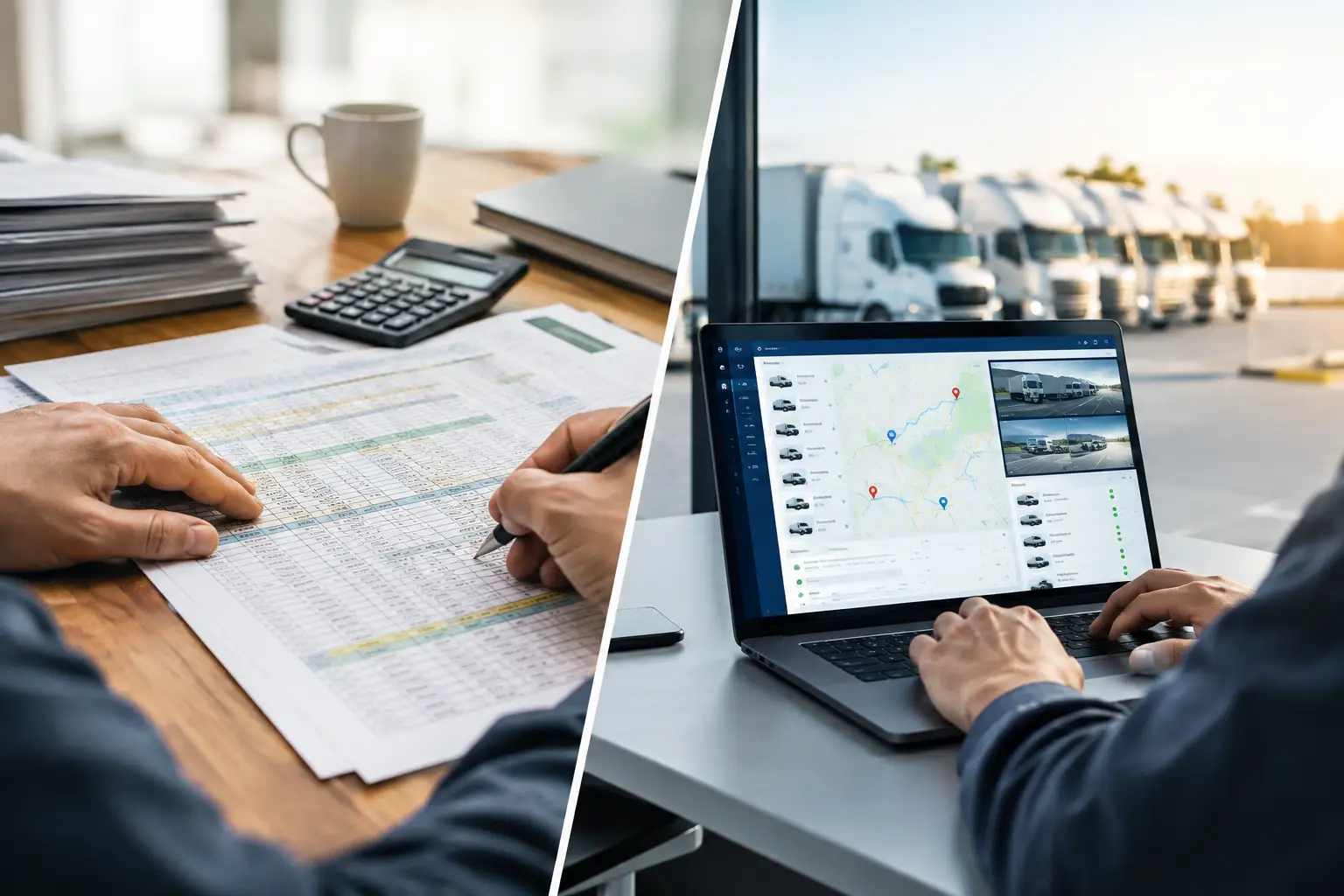
Fleet Dispatch Versus Spreadsheets: Time to Switch
RoadWarrior Team
A dispatcher gets a new pickup request at 10:15 a.m. One driver is running late, another has room for one more stop, and a third is heading in the wrong direction. In a fleet dispatch versus spreadsheets workflow, that simple change can mean hunting through tabs, texting drivers, updating addresses twice, and hoping everyone is working from the latest version.
Spreadsheets are useful. They are familiar, flexible, and inexpensive to start with. But when daily routes involve real customers, changing traffic, driver availability, delivery windows, and dozens of stops, the hidden cost of manual dispatch starts to show up in miles, labor hours, fuel spend, and missed expectations.
The question is not whether spreadsheets are good or bad. It is whether they still give your team enough control to execute a busy day without creating extra work.
Why spreadsheets work - until route volume grows
For a one-person operation with a handful of predictable stops, a spreadsheet can be a practical starting point. You can keep customer details, delivery notes, contact information, and job status in one place. If the same driver covers the same area every day, manual route ordering may be good enough.
The trouble begins when the spreadsheet becomes the dispatch system. A dispatcher has to read addresses, group stops by area, estimate drive times, assign work, communicate changes, and track completion manually. Even a well-built sheet does not calculate the best stop sequence around current traffic or turn a route update into clear turn-by-turn navigation for the driver.
That gap creates a daily burden. Someone has to become the human connection between the spreadsheet, the map, the phone, and the driver. As stop counts rise, small planning errors compound. A route that adds only a few unnecessary miles per driver can become a meaningful fuel and payroll expense across a week.
Fleet dispatch versus spreadsheets: the operational difference
The biggest difference is not where you store an address. It is whether your dispatch process turns that address data into an executable route.
A spreadsheet is primarily a record of work. It can show that Driver A has 22 stops and Driver B has 18. It cannot reliably determine whether those assignments create balanced workloads, whether the stops should be reordered, or whether a new priority job fits into an existing route without causing a late arrival elsewhere.
Fleet dispatch software is built around the movement of work. It helps a coordinator assign stops, optimize routes, send route details to drivers, and respond when the day changes. Drivers receive an organized plan in the tool they use on the road instead of reconstructing a route from a text thread and a list of addresses.
That matters because drivers should spend their time driving, delivering, selling, or servicing customers - not deciding which stop comes next. Dispatchers should be managing exceptions and capacity, not copying data between systems.
What manual dispatch tends to hide
The cost of spreadsheets is often scattered across the operation, which makes it easy to underestimate. It can appear as a driver waiting for an updated address, a dispatcher rebuilding a route after a cancellation, or a customer calling because no one can confirm a delivery status.
Manual processes also make accountability harder. If a route changes several times, which file is current? If two people edit the same schedule, who owns the final assignment? If a driver misses a note in a cell, was it a dispatch failure or a driver failure? These are avoidable questions when route information is managed in one shared workflow.
Spreadsheets can also encourage planning by straight-line geography. Stops that look close on a grid may be separated by traffic patterns, road restrictions, appointment windows, or a long turnaround. A route optimizer evaluates the actual sequence of travel rather than relying on a dispatcher’s best guess.
Where fleet dispatch software earns its keep
Route planning software does more than organize stops. It gives a team a faster way to make decisions when the schedule is under pressure.
A dispatcher can import or add stops, account for priorities and constraints, optimize a route, and push the plan to the driver. If a customer reschedules or a driver calls out, the dispatcher can adjust the workload without starting the entire day over. The driver sees a usable route and navigation plan, while the office keeps a clearer view of what was assigned and completed.
For teams making deliveries, that can mean fewer backtracks and fewer miles. For field service businesses, it can mean less windshield time between appointments. For sales teams, it can mean more customer visits in the same day. The benefit is practical: put more productive work into each shift without asking people to work longer.
RoadWarrior Flex is designed for this handoff between the office and the road. Dispatchers can coordinate routes while drivers receive optimized multi-stop plans built for daily execution. It is a better fit for teams that have outgrown static lists but do not want a complicated enterprise system just to manage their routes.
Better communication is part of better routing
A perfectly optimized route still fails if the driver does not receive it clearly. Spreadsheet-based teams often rely on a mix of email, text messages, screenshots, printed lists, and separate navigation apps. Every extra handoff creates another place for information to get lost.
A dispatch platform reduces those handoffs. Route assignments, stop order, notes, and changes live closer to the driver’s workflow. That means less time confirming basic details and more time moving the day forward.
This is especially valuable for teams with new drivers, temporary coverage, or changing territories. A veteran driver may know the area by memory. A new driver needs a plan that makes the next action obvious.
When spreadsheets are still enough
Not every business needs fleet dispatch software immediately. If you have one driver, fewer than 10 consistent stops, no time-sensitive changes, and no need to share route updates, a spreadsheet paired with a navigation app may be adequate.
It is also reasonable to keep spreadsheets for reporting, customer records, or back-office analysis. The goal is not to eliminate every spreadsheet. The goal is to stop using one as the live command center for a moving fleet.
The turning point usually comes when dispatch work starts consuming too much attention. If your team spends the morning sorting addresses, routinely calls drivers to reroute them, or cannot quickly answer who is handling a stop, the process is costing more than it appears.
Signs it is time to move beyond manual routing
Watch for these four signals:
- Dispatchers rebuild routes whenever a customer adds, cancels, or changes a stop.
- Drivers create their own stop order because the list they receive is not route-ready.
- Fuel and mileage are rising even though the number of deliveries has stayed flat.
- Managers cannot see route progress without calling or texting each driver.
One of these problems may be manageable. Several at once usually mean the operation has outgrown the spreadsheet.
How to make the switch without disrupting the team
Start with one route type or one group of drivers. Use real stops from a typical day, then compare the planned route against the route your team would have built manually. Look at total miles, estimated drive time, number of late stops, and the time it takes a dispatcher to get the plan out the door.
Do not judge the change only by optimization math. Ask drivers whether the route is clear, whether notes are easy to find, and whether they can handle updates without pulling over to decode a text chain. Adoption matters. A tool that saves miles but frustrates drivers will not deliver the results you expect.
Set a simple operating rule: the dispatch platform is the source of truth for today’s routes. Keep your spreadsheet for the information it handles well, but do not let route assignments live in two competing places. That single decision removes a lot of daily confusion.
The best dispatch system is not the one with the longest feature list. It is the one your team can use before the first driver leaves, during the messiest part of the afternoon, and at the end of the day when you need to know the work got done. Give your team a route plan they can trust, and let them spend their energy crushing routes instead of chasing updates.
Tags