

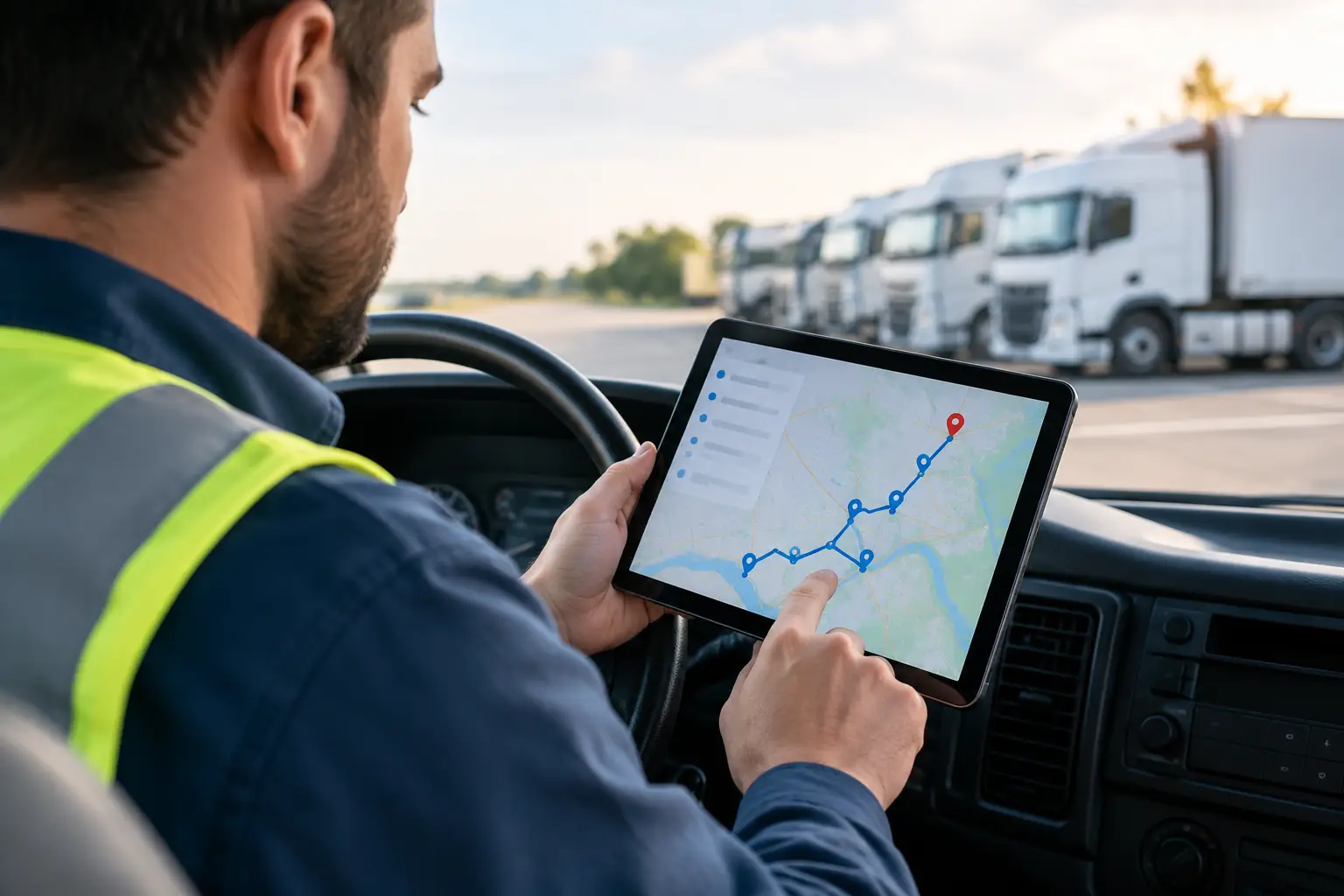
Route Planning Features That Cut Miles Daily
RoadWarrior Team
A 20-stop day can fall apart before the first package is loaded. One address is entered wrong, a driver starts at the wrong end of town, traffic stacks up, and suddenly the route has an extra hour and 30 unnecessary miles. The right route planning features turn that chaos into a workable plan - one that helps drivers make more stops, burn less fuel, and get home earlier.
For delivery drivers, field sales reps, service technicians, and dispatch teams, route planning is not about drawing a prettier line on a map. It is about making smarter decisions before wheels hit the road, then adapting when the day refuses to go according to plan.
The Route Planning Features That Matter Most
A route planner should reduce the work between receiving a list of stops and completing the last job. That sounds simple, but not every feature produces the same operational payoff. The best tools focus on the parts of the day that cost the most time and money: stop order, travel time, missed constraints, and poor handoffs between the office and the driver.
Multi-stop route optimization
This is the foundation. Instead of manually dragging addresses into an order that looks reasonable, route optimization evaluates the full stop list and arranges it to reduce drive time or mileage. With a handful of stops, manual planning may be manageable. With 20, 50, or 200 stops, it becomes a costly guessing game.
Optimization is especially valuable when stops are spread across a metro area, service calls have flexible appointment windows, or a driver receives new jobs throughout the day. A good planner can process a large stop list quickly, giving drivers a realistic sequence rather than a route built around instinct.
There is a trade-off. The shortest route is not always the best route. A field technician may need to prioritize a high-value customer. A delivery driver may have a promised time window. A sales rep may need to start near an early meeting. Look for controls that let you set priorities without giving up the savings of optimization.
Traffic-aware travel estimates
A route that looks efficient at 6:00 a.m. can be a mess by 3:30 p.m. Traffic-aware planning accounts for current road conditions and helps drivers avoid spending the afternoon sitting in congestion. This matters most in dense urban areas, during rush hour, and on routes with tight delivery windows.
Traffic data should support the route, not distract from it. Drivers need clear estimated arrival times and navigation that can respond when roads slow down. Dispatchers need enough visibility to identify a late route before it turns into a string of customer calls.
Real-time traffic cannot prevent every delay. Weather, loading dock backups, customer no-shows, and road closures still happen. But a route plan with traffic built in gives the team a better starting point and more time to react.
Stop-level details that drivers can use
An address alone is rarely enough to complete a job. Drivers often need gate codes, unit numbers, delivery notes, contact names, phone numbers, special handling instructions, or a reminder to use a rear entrance. If that information lives in a text thread, spreadsheet, or dispatcher’s memory, it will get lost when the day gets busy.
Useful route planning features keep the job details attached to the stop. The driver sees what matters at the right moment, while the dispatcher avoids repeated calls and manual check-ins. This is a small workflow improvement with a big effect on failed deliveries and wasted time at the curb.
For service businesses, notes also create continuity. The technician arriving today can see what the customer requested, even if a different team member handled the last visit.
Fast imports and easy stop management
Nobody wants to spend an hour preparing a route that takes six hours to run. A practical planner should make it easy to add stops from a spreadsheet, saved address list, customer database, or shared workflow. It should also make edits painless when a customer cancels, an urgent job comes in, or an address needs correction.
Speed matters here. If adding a stop is frustrating, drivers and dispatchers will fall back on a general navigation app and lose the advantages of an optimized route. The best system is the one your team can use during a real workday, not just during a quiet demo.
GPS Navigation Is Part of Route Execution
Planning and navigation are often treated as separate tasks. In practice, they are one workflow. Once the route is optimized, drivers need turn-by-turn guidance that carries them through each stop in sequence without forcing them to re-enter addresses one at a time.
That handoff reduces distractions and prevents simple mistakes, such as skipping a stop or navigating to the right street but the wrong entrance. It also keeps the driver focused on the next job instead of rebuilding the route at every delivery.
For independent drivers, this can be the difference between finishing a route with confidence and constantly checking a paper list or multiple apps. For teams, it creates more consistent execution across every vehicle.
Team Features That Prevent Dispatch Chaos
Individual route optimization saves time. Team coordination saves the day when routes change. If dispatchers are assigning work to multiple drivers, they need tools that keep everyone aligned without a flood of phone calls.
Route assignment and live updates
A dispatcher should be able to build or adjust a route, assign it to the right driver, and send the updated stop sequence directly to that driver’s device. That is far more reliable than emailing spreadsheets or texting screenshots of a map.
Live updates matter when a driver is delayed, a customer requests an earlier arrival, or a new pickup has to be covered. The goal is not to micromanage drivers. It is to give them a clear, current plan and let them crush their routes.
The right level of visibility depends on your operation. A two-person local service business may only need shared routes and simple assignment. A growing delivery team may need centralized dispatch, route status, and a clear view of which driver owns each stop.
Proof of delivery and completed-stop records
For many businesses, completing the route is only half the job. You also need a record that the package was delivered, the service was performed, or the customer was reached. Completion status, notes, photos, signatures, and timestamps can reduce disputes and eliminate end-of-day paperwork.
Not every route-based business needs every proof-of-delivery option. A landscaper may only need a completed-service record, while a courier handling high-value deliveries may need photos and signatures. Choose the documentation level that matches the cost of a disputed job.
What to Look For Before You Commit
Feature checklists can make every route planner look similar. The difference appears when you test it with your actual day: your stop volume, service area, priorities, and drivers. A tool that works for five flexible stops may not work for 80 deliveries with appointment windows.
Ask practical questions. How many stops can it optimize? Can you reorder or lock a priority stop? How quickly can a dispatcher send changes? Does the driver get clear navigation and job details? Can the team see what is complete without interrupting the driver?
Also consider adoption. A powerful platform that requires constant training may be overkill for a small crew. On the other hand, a basic map tool can become expensive when it leaves dispatchers manually sequencing stops and drivers wasting miles. The right choice is the one that delivers measurable savings without adding friction.
RoadWarrior is built around that balance: fast multi-stop optimization, driver-ready navigation, and team coordination that helps route-based businesses spend less time organizing work and more time completing it.
Build Routes Around the Work, Not the Map
The map is only one part of a profitable route. Your plan needs to reflect customer commitments, vehicle capacity, driver schedules, service times, and the reality of traffic. Start by identifying the daily problem that costs you the most - too many miles, late arrivals, slow dispatching, or weak delivery records - then prioritize features that directly solve it.
When every stop has a purpose, every driver has a current plan, and every route is built for the work ahead, efficiency becomes repeatable. That is how you protect margins, serve more customers, and finish the day knowing you made the most of every mile.
Tags